
1.3 Explore every feature
Browse real interface scenes by feature. Filter by feature, open an original image, or follow its usage guide. Screenshots were captured in Community 0.2.4 with example data; the current release is 0.2.10, so some entry points and labels may have changed. Use the linked guide and the actual interface for current operations. Setup pages may be unconfigured and drafts may be unsent; a screenshot does not imply a completed integration or task.
New in 0.2.10 · Installation and setup
32 views · Click an image to open the full original
Assign and follow work
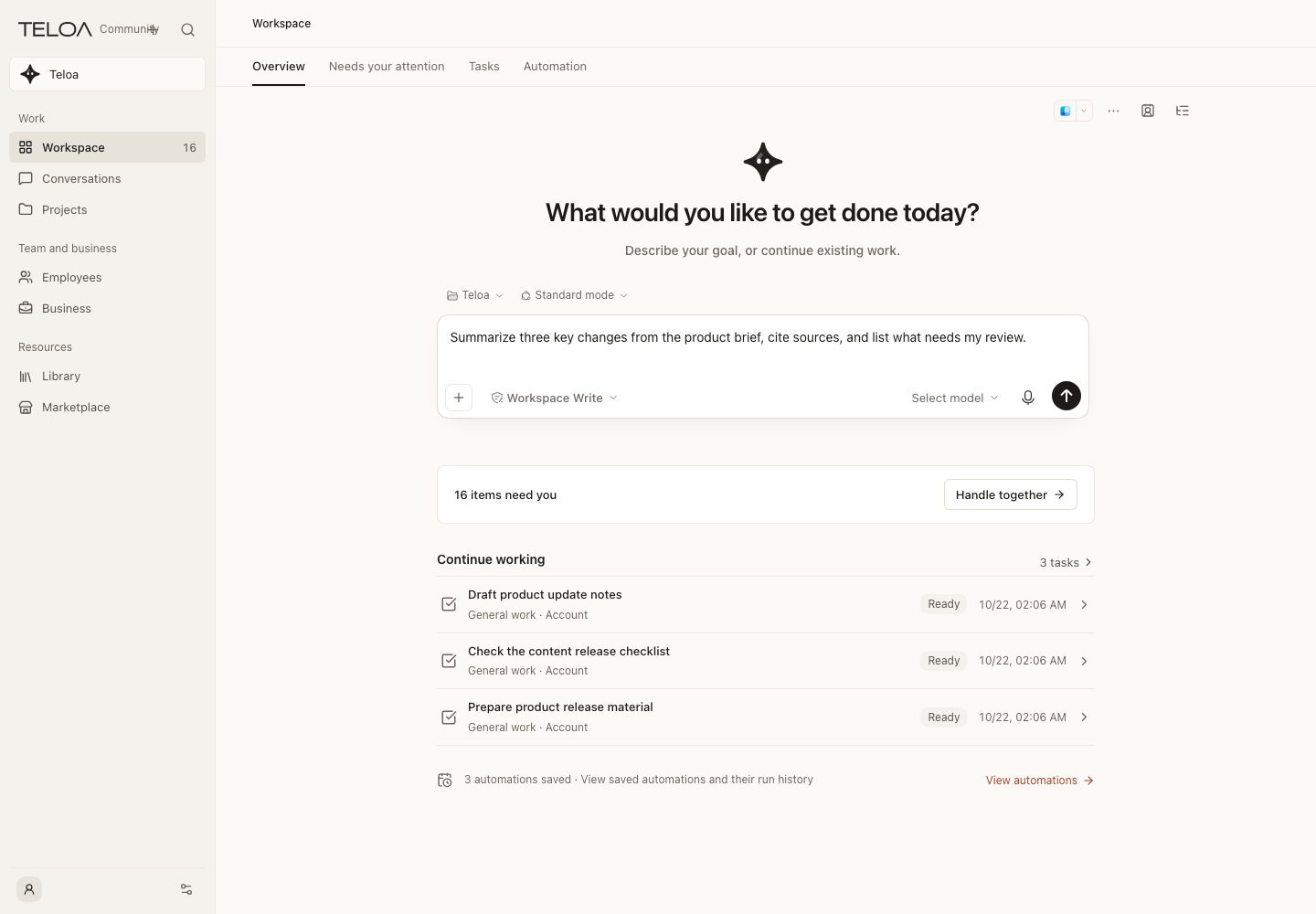
Workspace
Describe a goal and continue work; the example draft is unsent.
Usage guide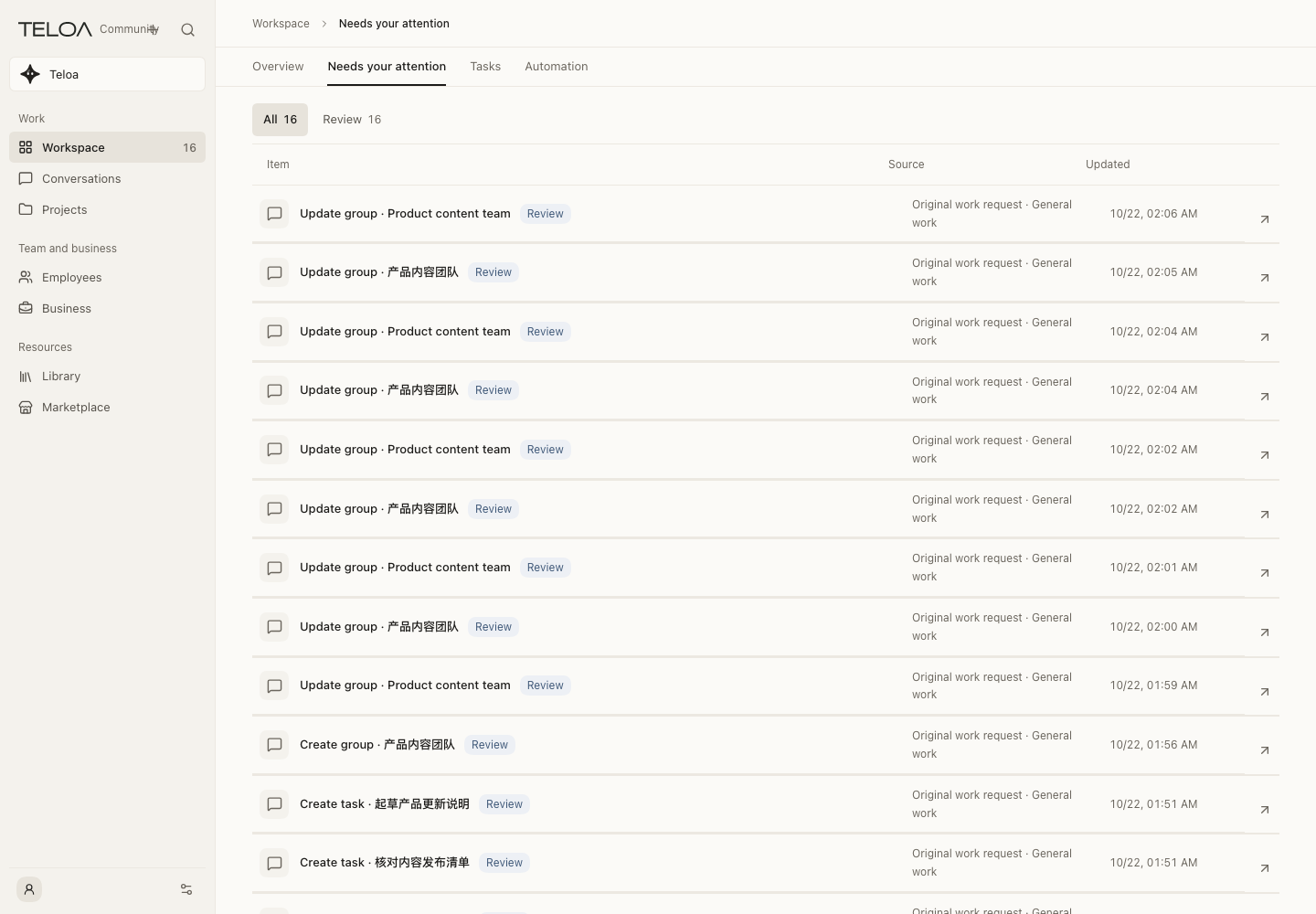
Needs you
Review decisions, missing information and exceptions.
Usage guide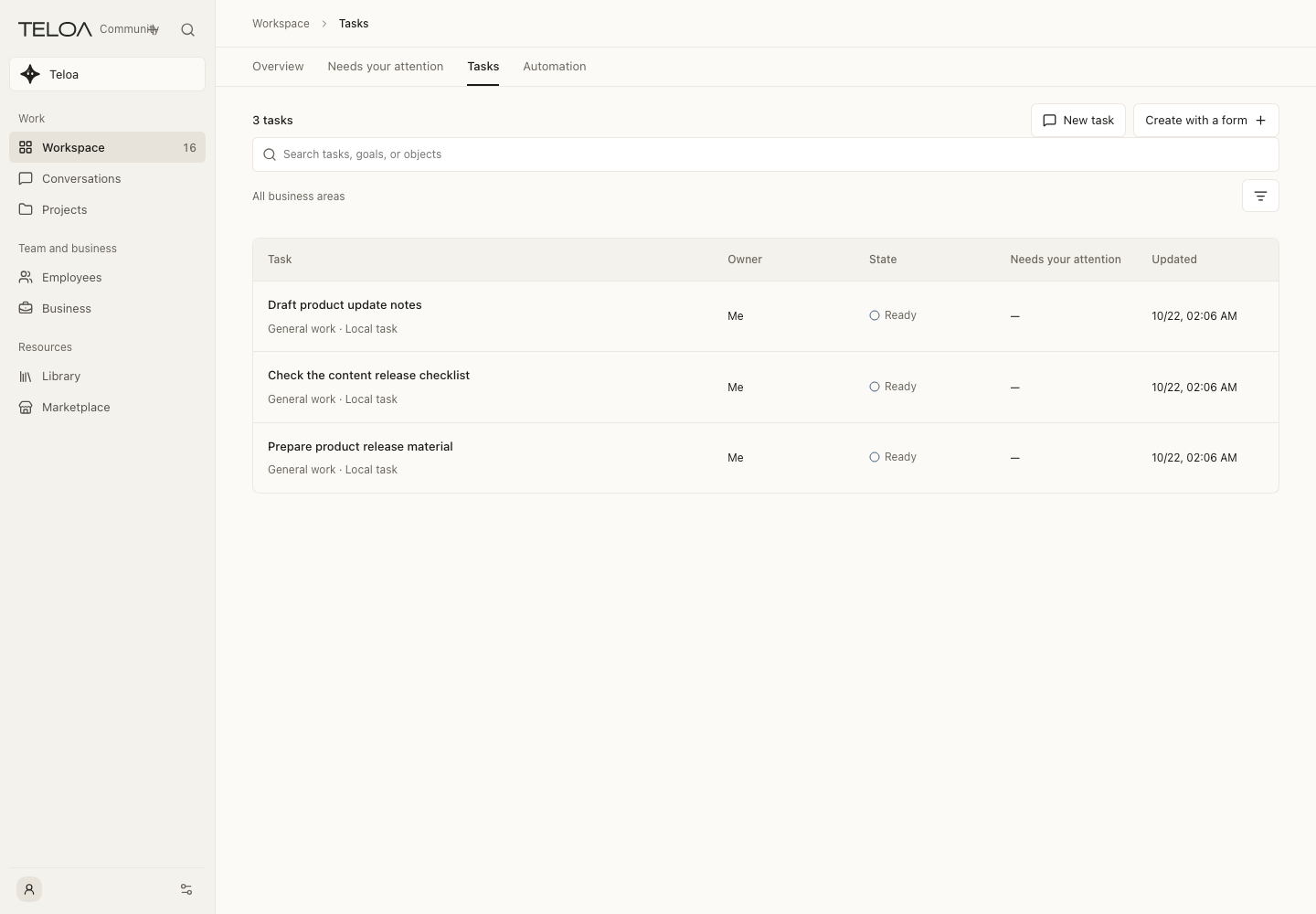
Tasks
Follow saved work by owner and status.
Usage guide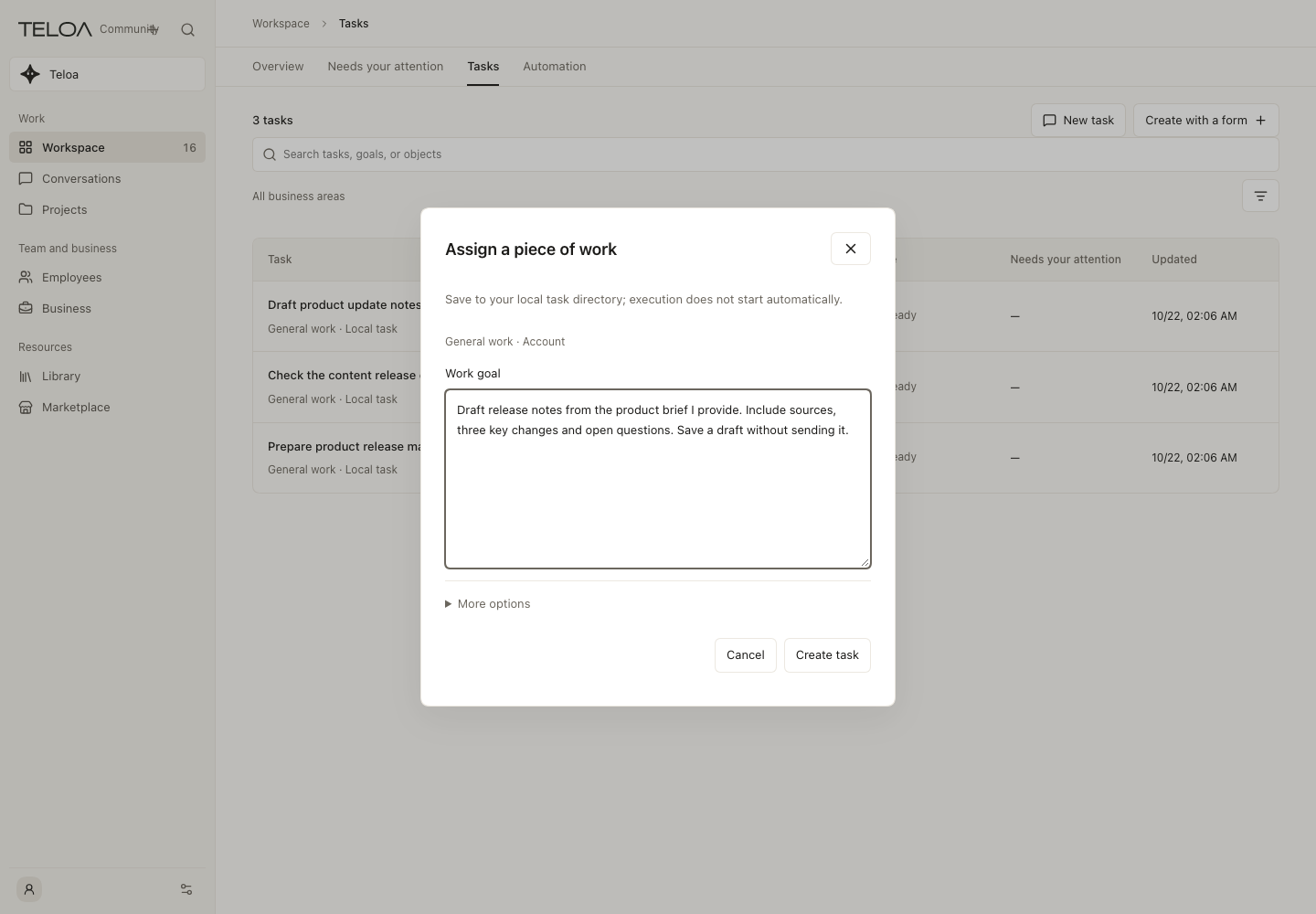
Create a task
Draft the goal, evidence and deliverable before submitting.
Usage guide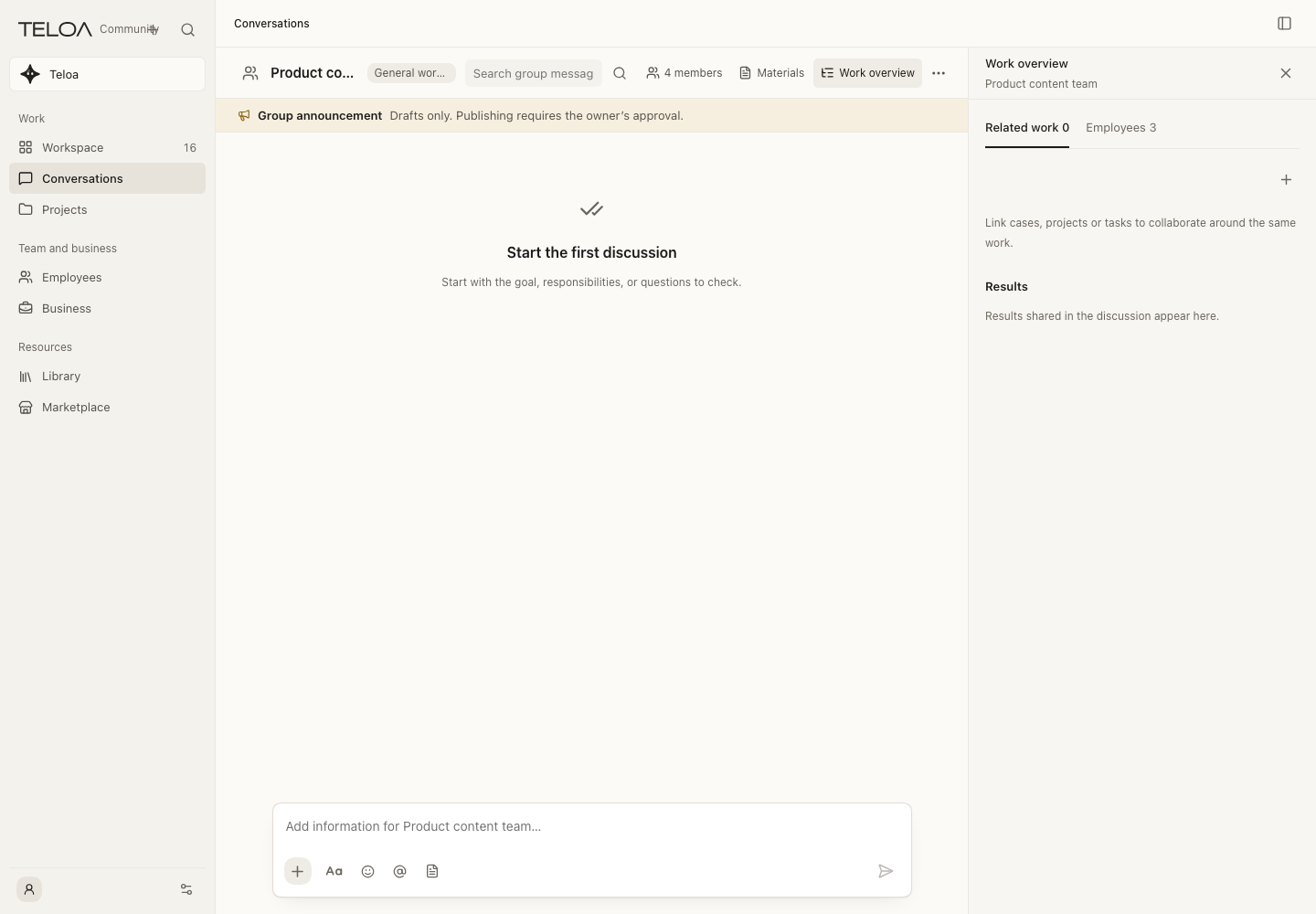
Conversations
Find earlier work conversations and continue in context.
Usage guideEmployees and collaboration
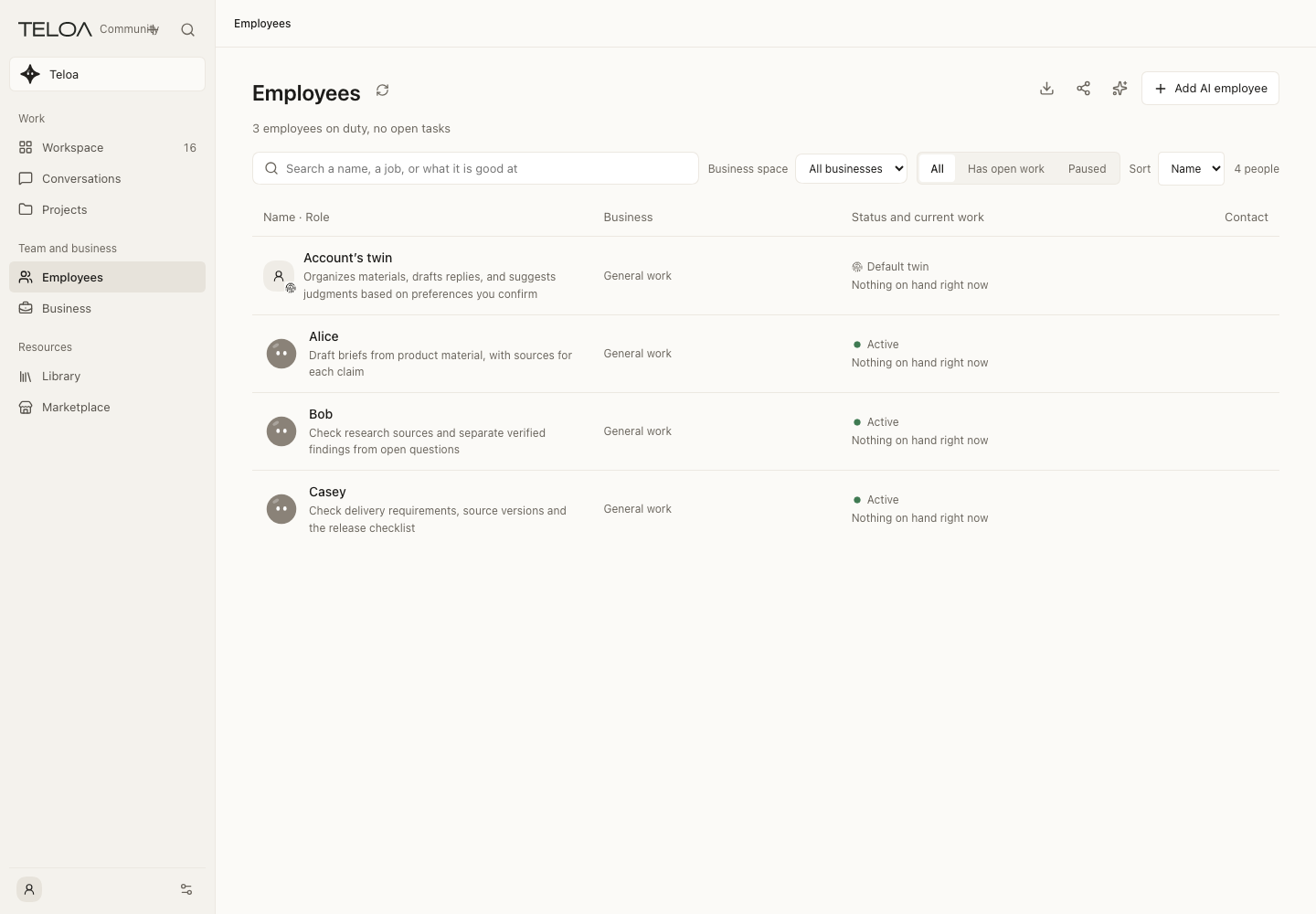
Employee directory
Browse employees and their state, then open their conversations.
Usage guide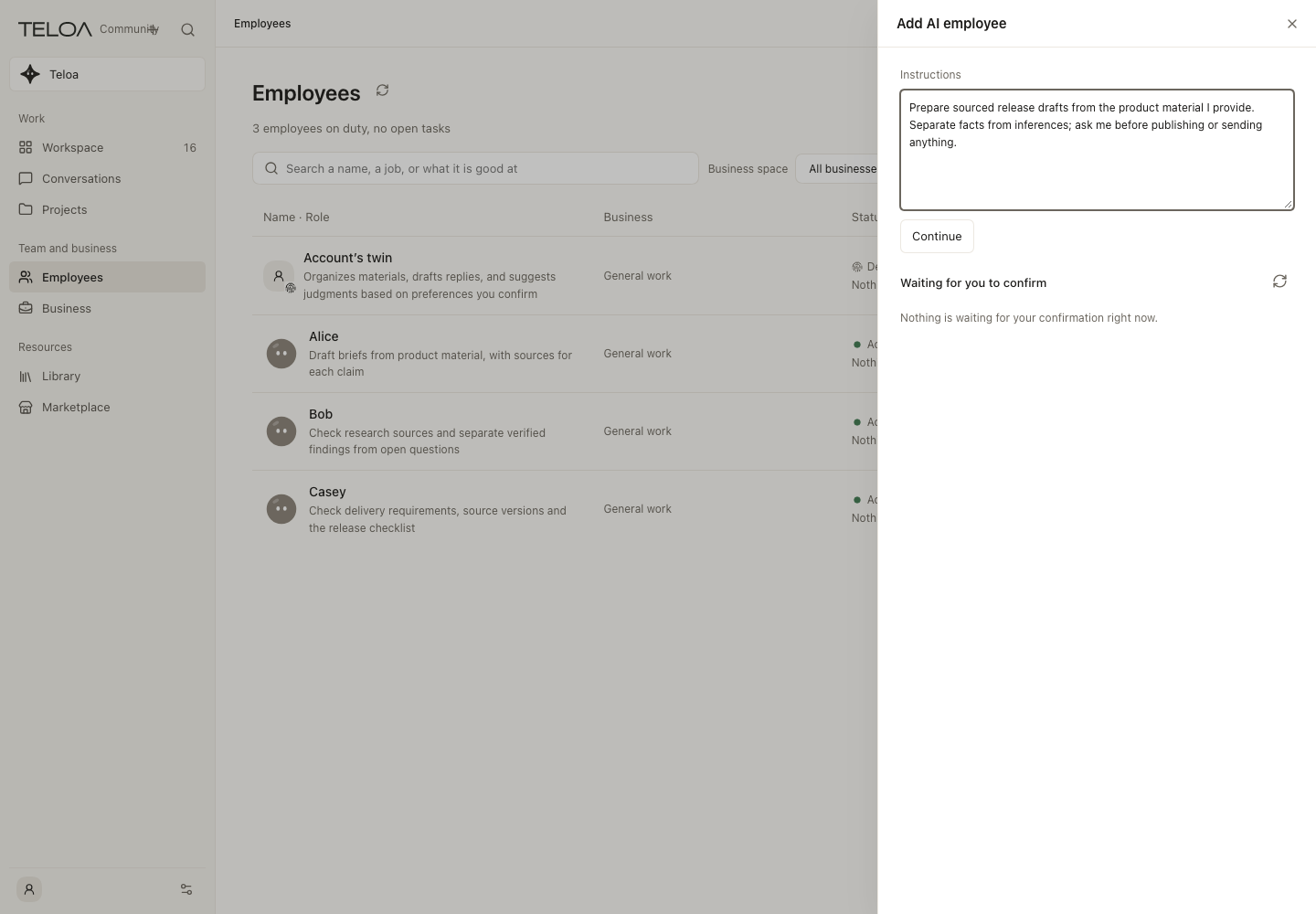
Create an AI employee
Describe responsibilities and scope, then review the draft.
Usage guide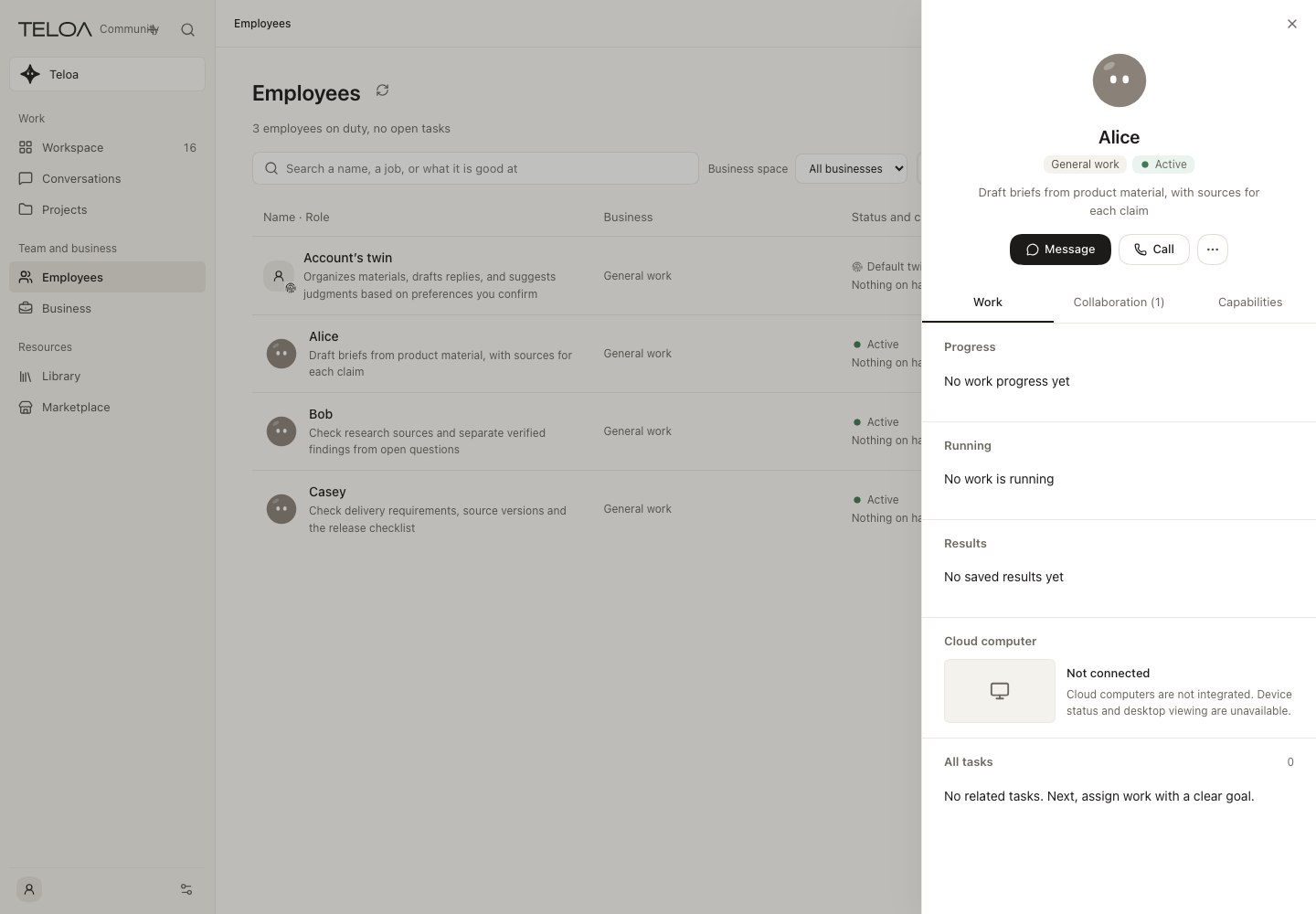
Employee profile
Review responsibilities, capabilities, memory and boundaries.
Usage guide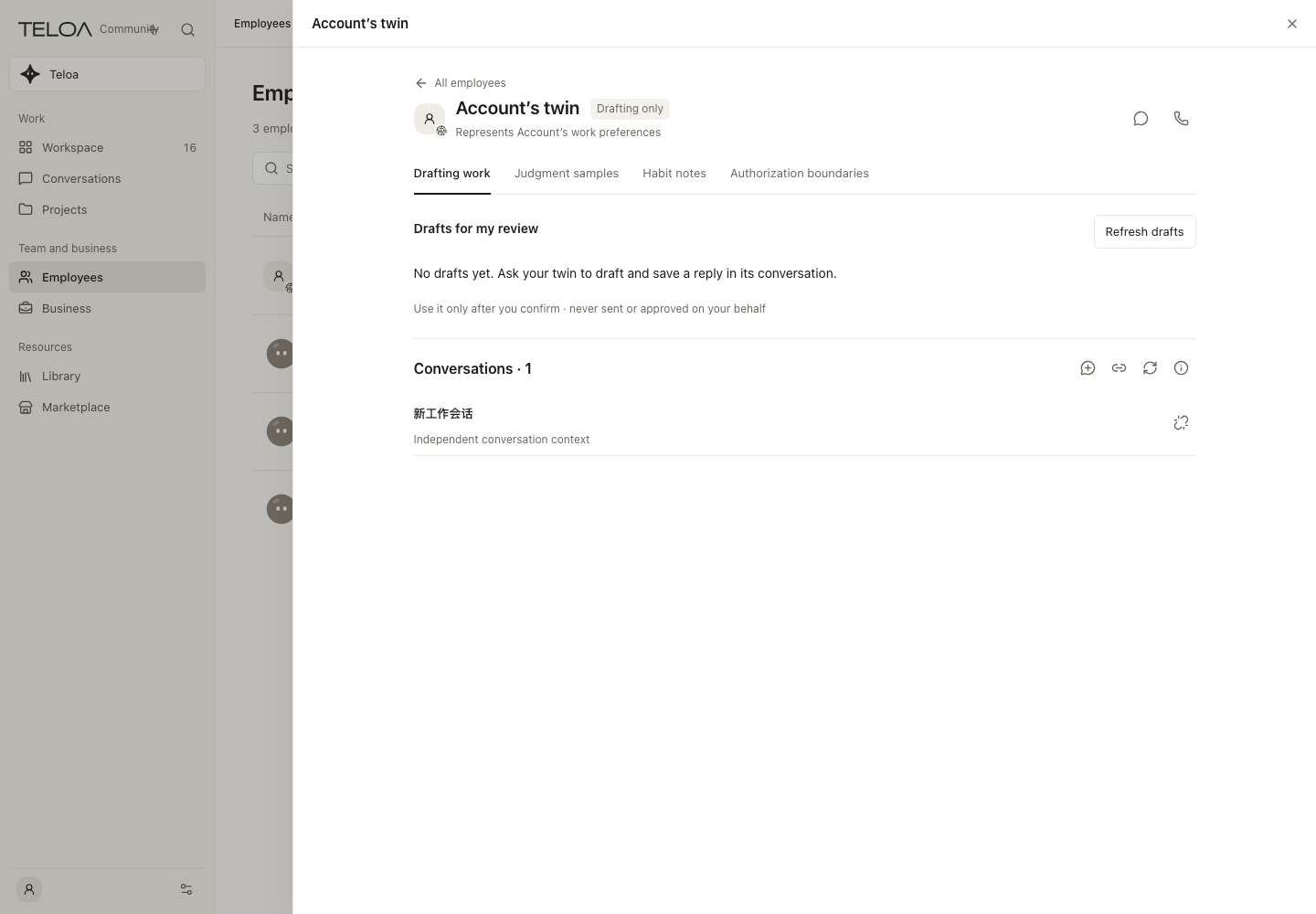
My twin
Review personal habit notes and sources, and retain or withdraw them.
Usage guide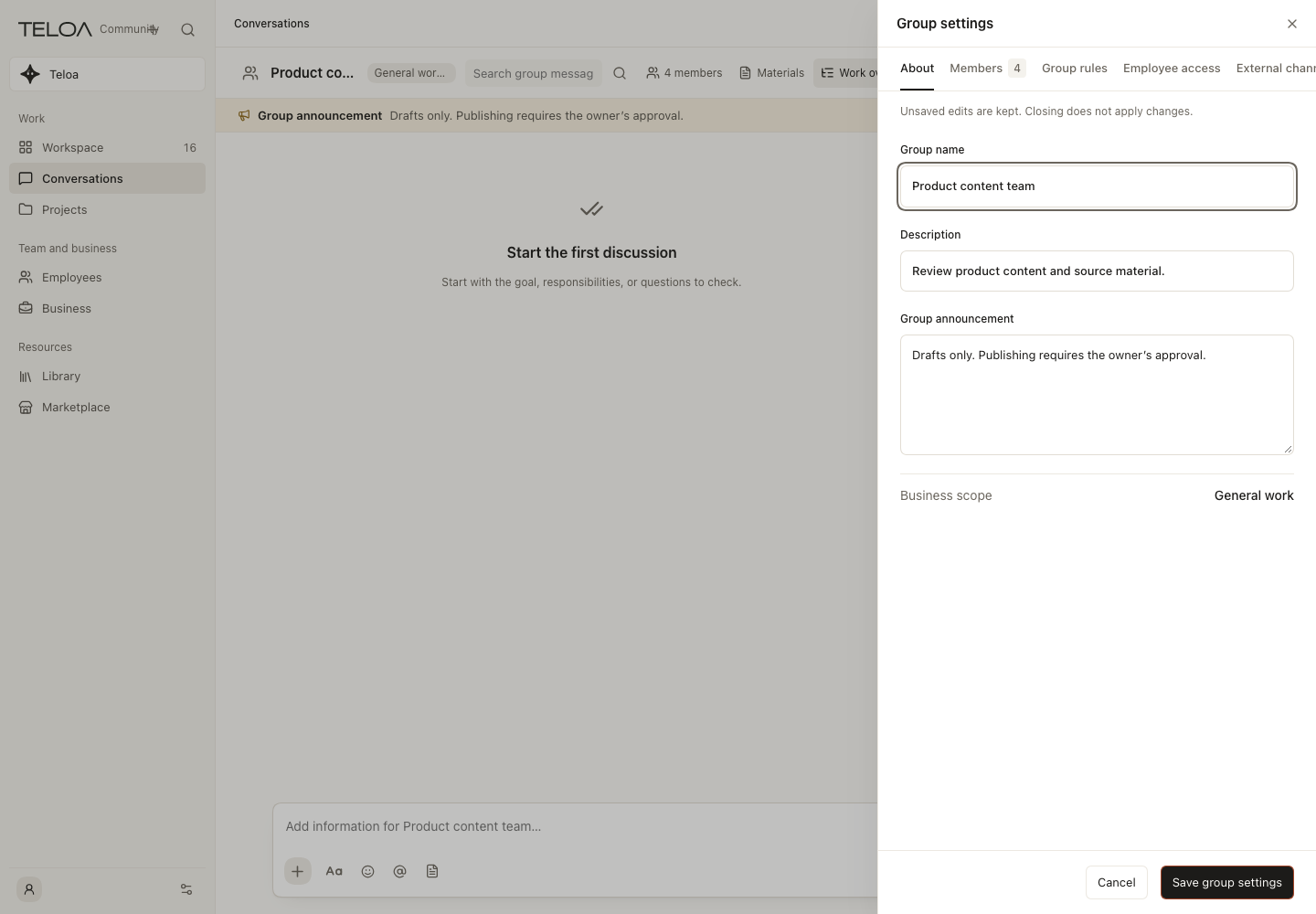
Collaboration groups
Bring employees, members and collaboration rules into one group.
Usage guide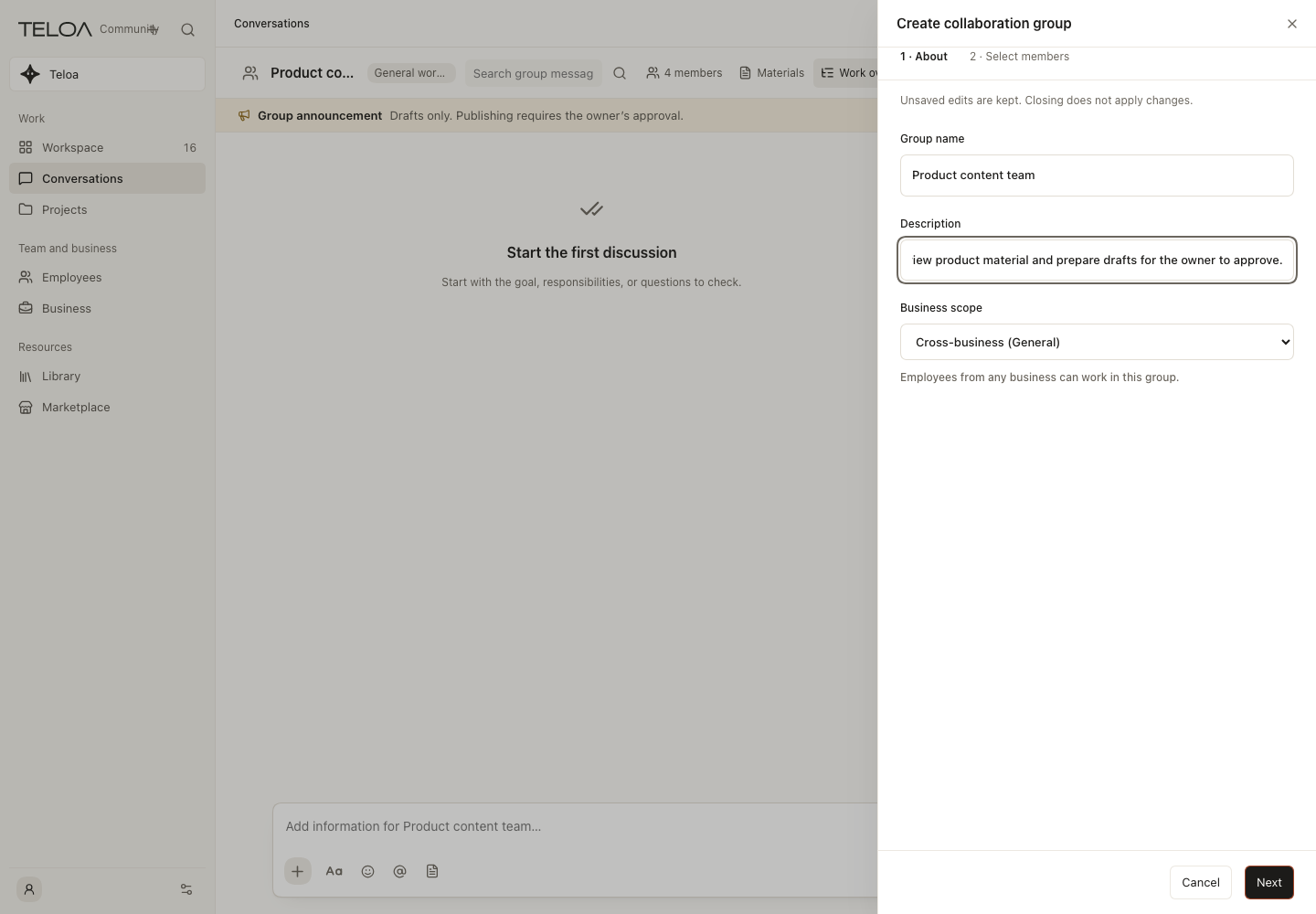
Create a group
Prepare a group goal and members; the screenshot shows an unsent draft.
Usage guideBusiness and projects
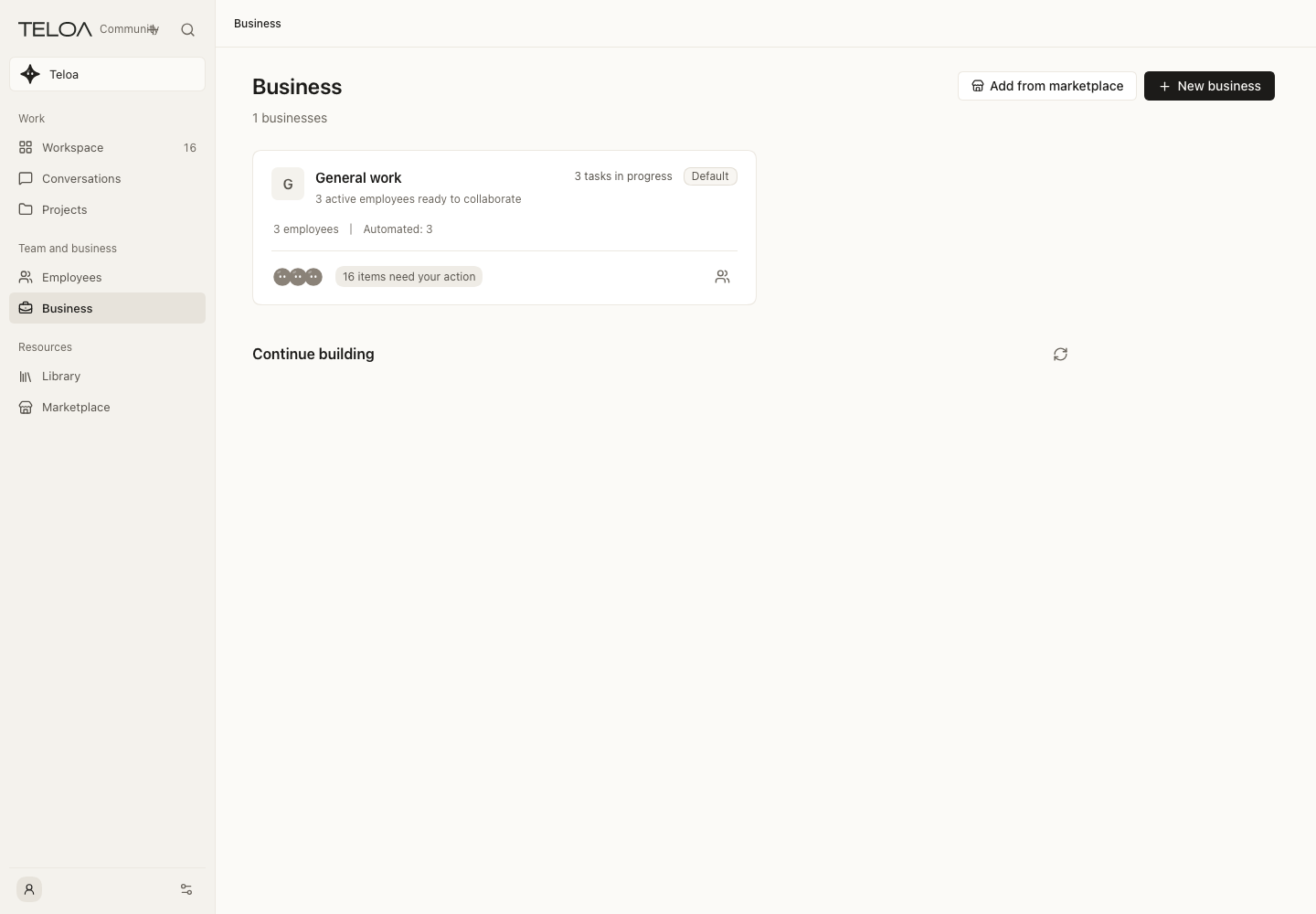
Business directory
Find the employees, tasks and attention items for a business.
Usage guide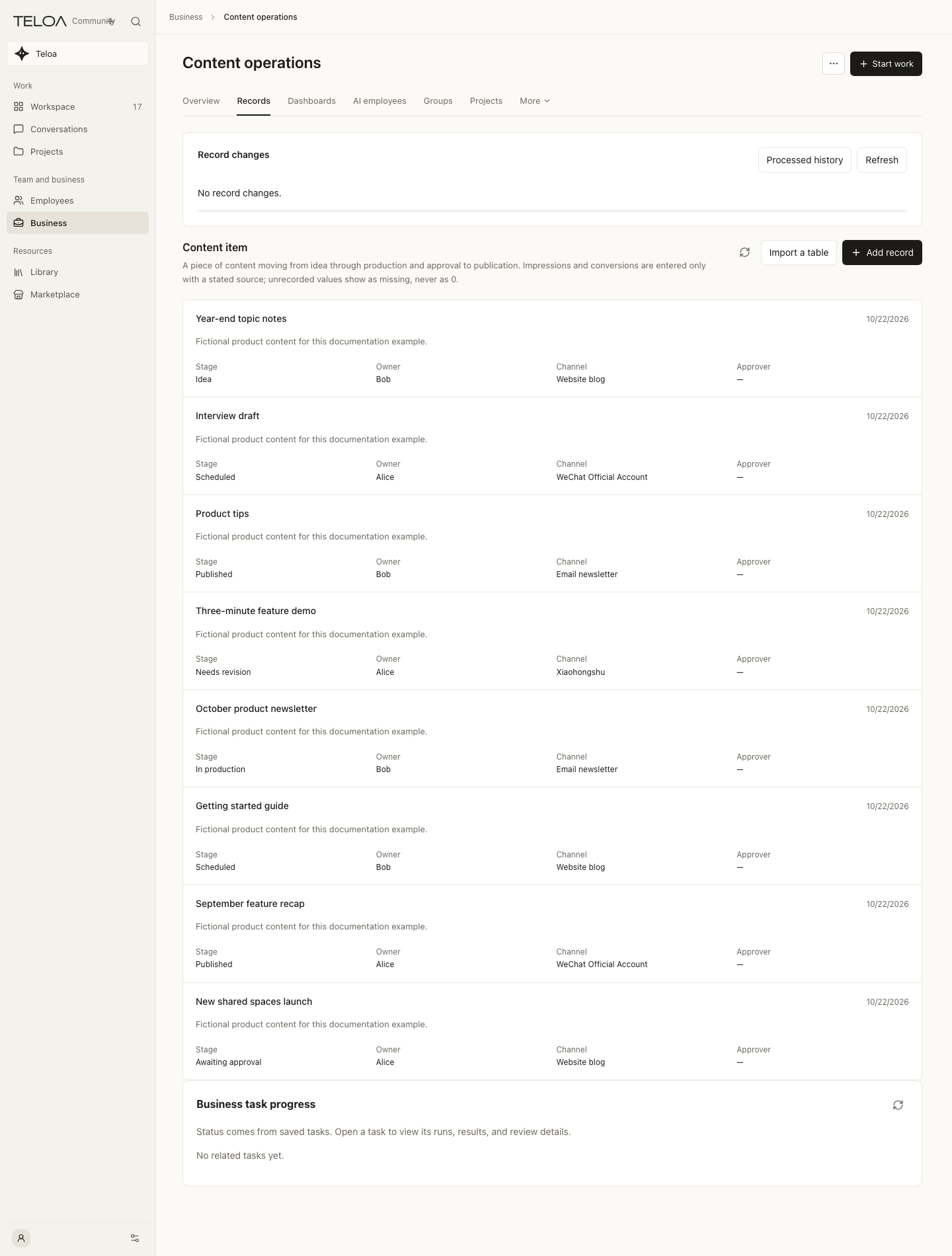
Business records
Follow fields, owners and stages; shown with 8 fictional sample records.
Usage guide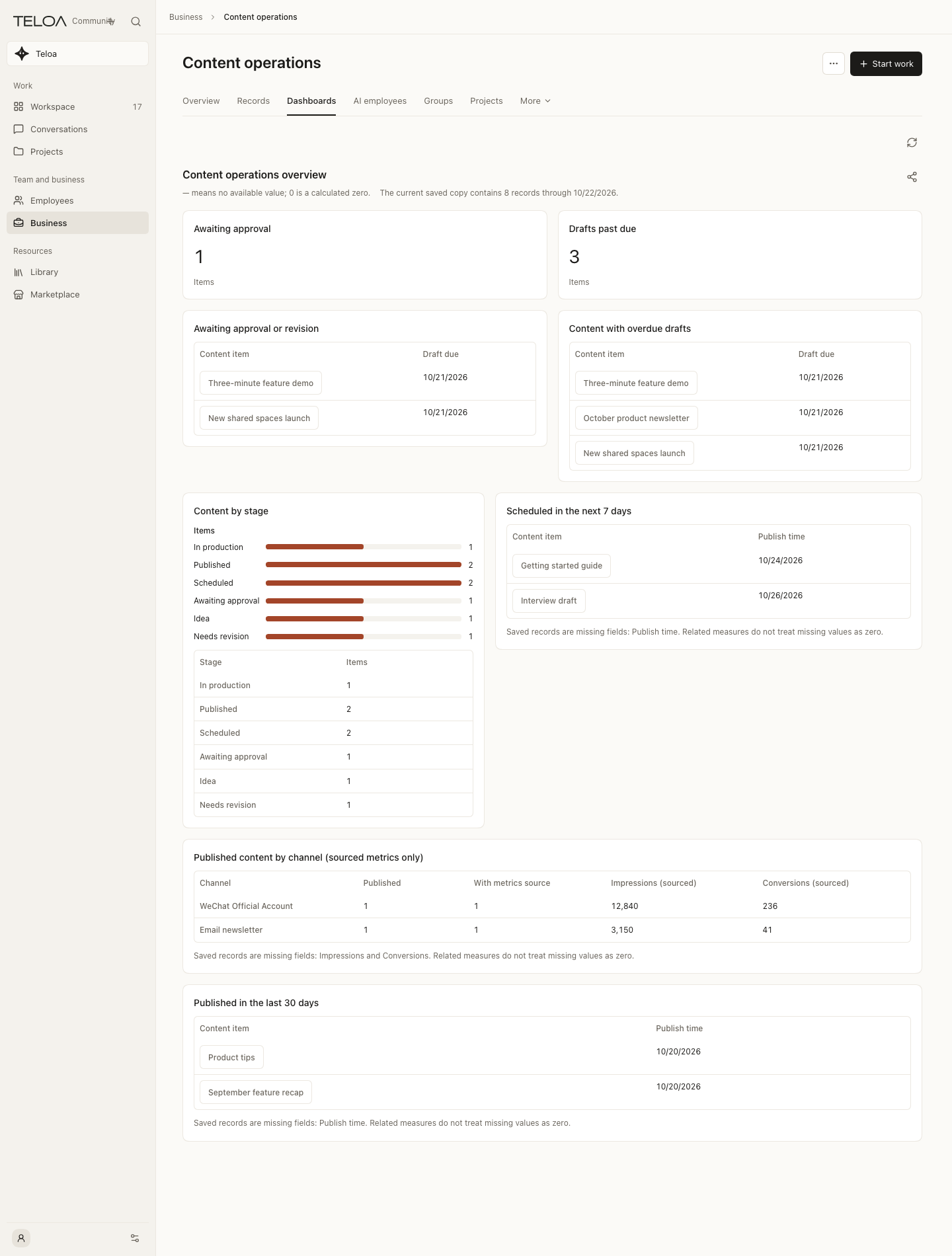
Business dashboard
Calculate measures and lists from saved records, with missing values identified.
Usage guide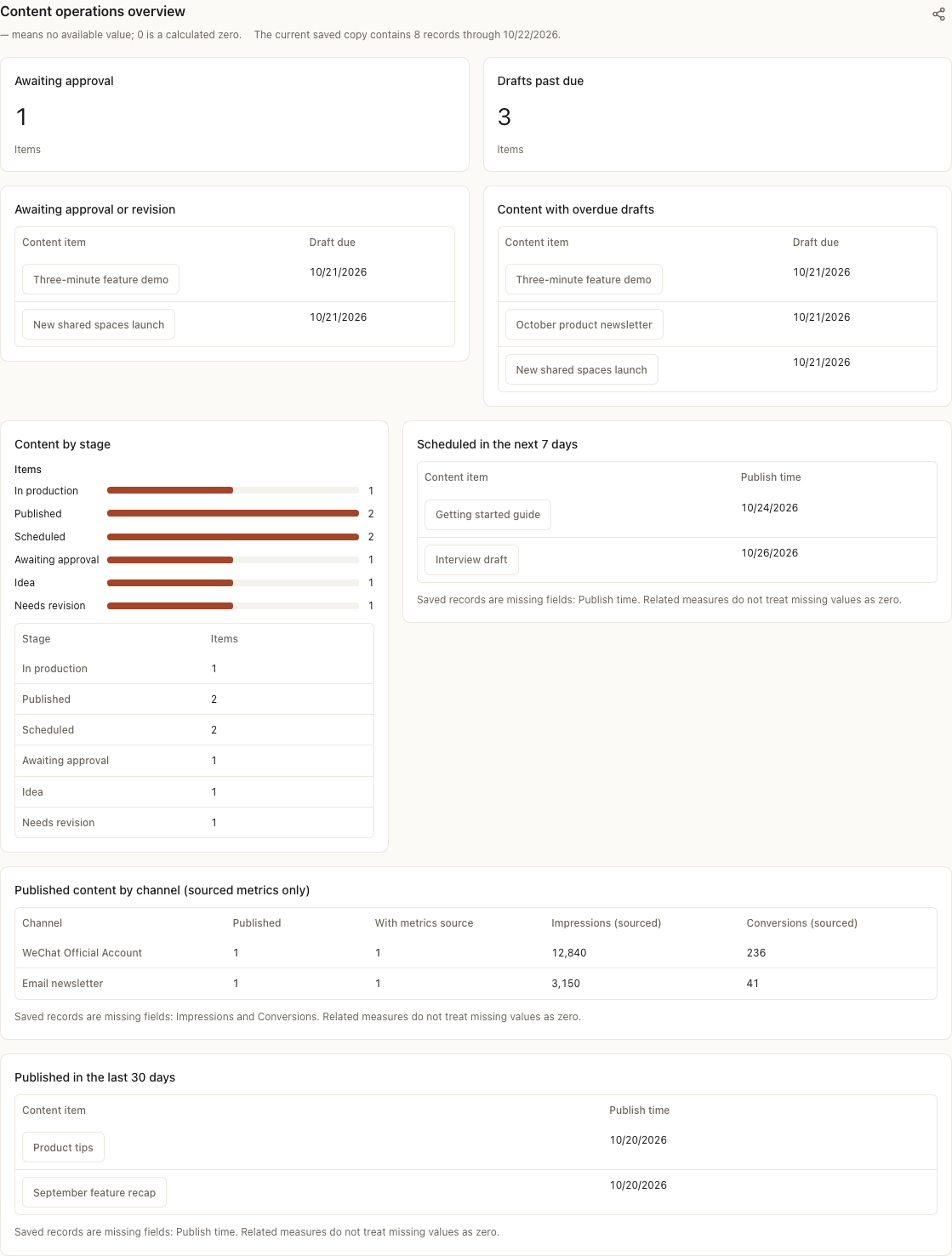
Dashboard detail
Inspect the full dashboard; values are hand-entered examples, not live business data.
Usage guide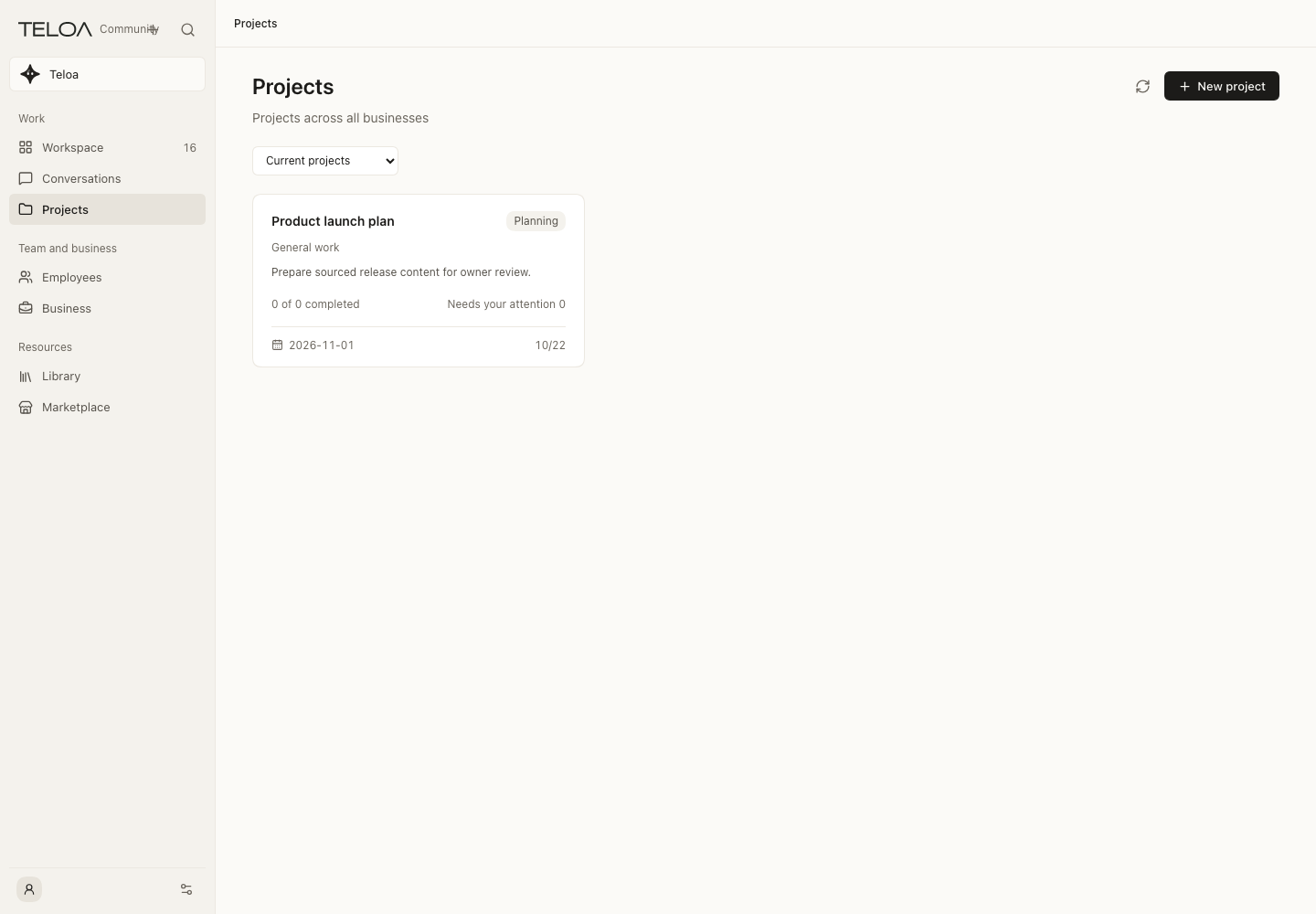
Projects
Organize related work and materials around a delivery goal.
Usage guideMarketplace and resources
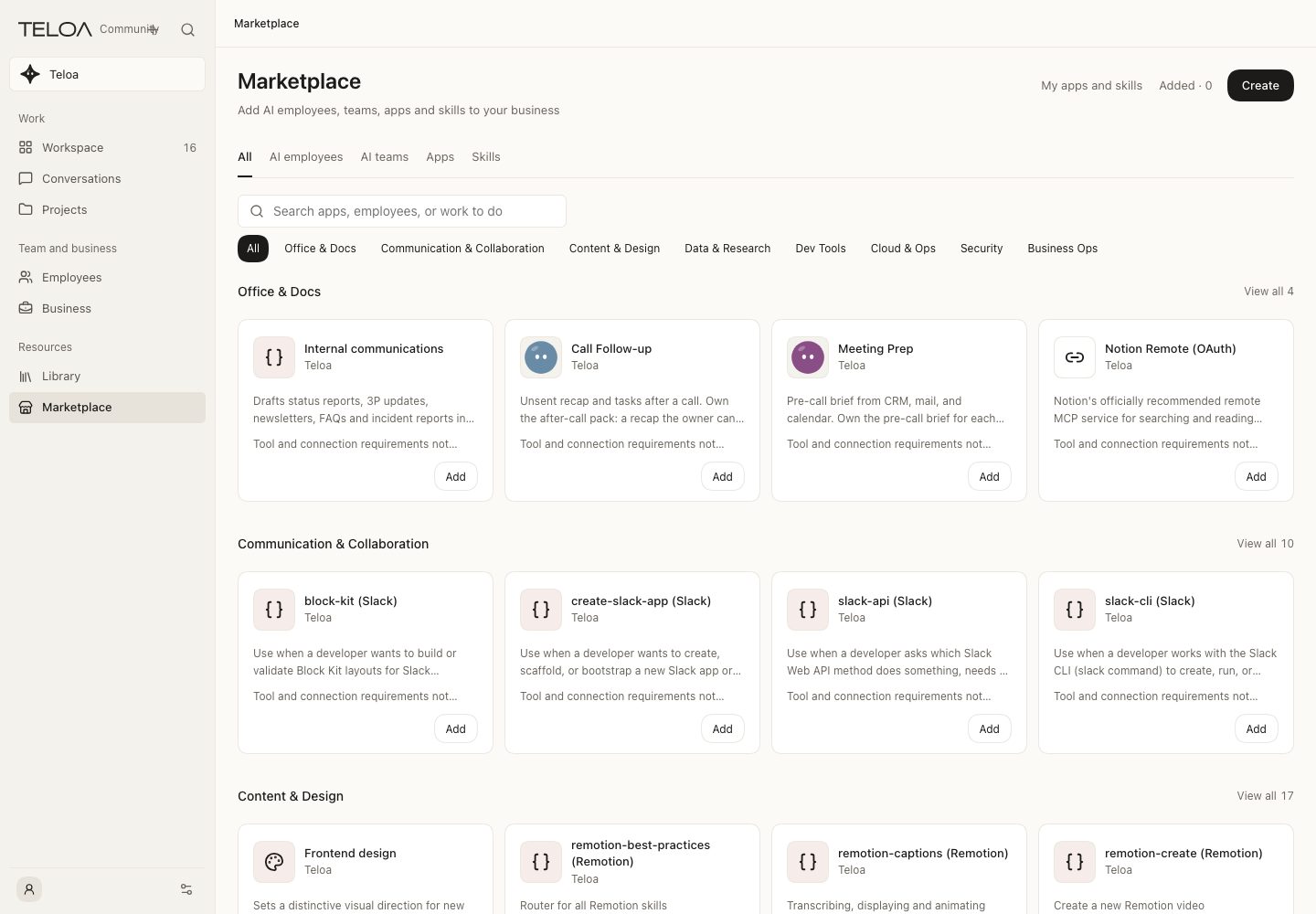
Four marketplace categories
Browse AI employees, AI teams, apps and skills.
Usage guide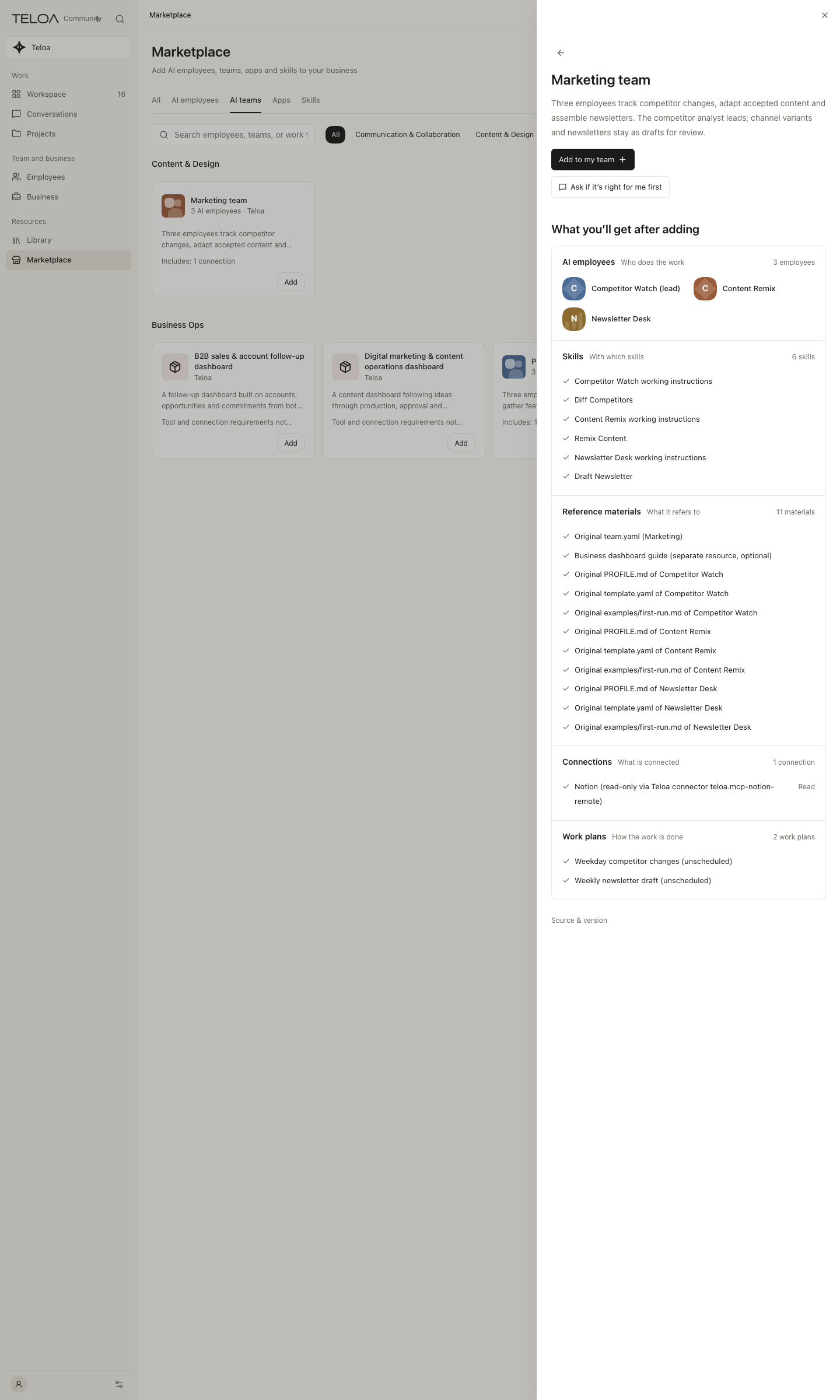
AI team details
Inspect employees, skills, materials and plans before adding; work does not start automatically.
Usage guide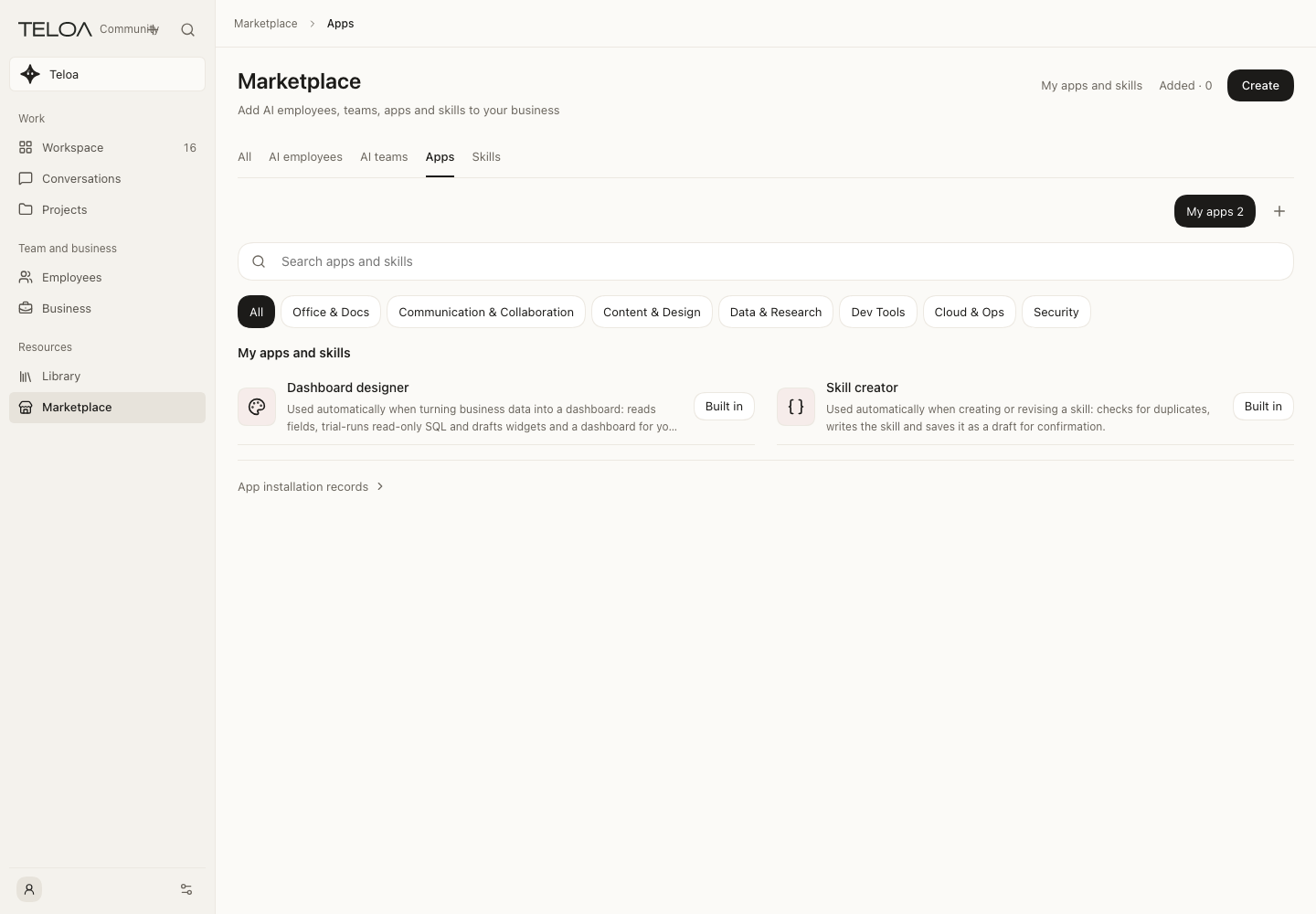
Apps and skills
Manage reusable methods and account connections.
Usage guide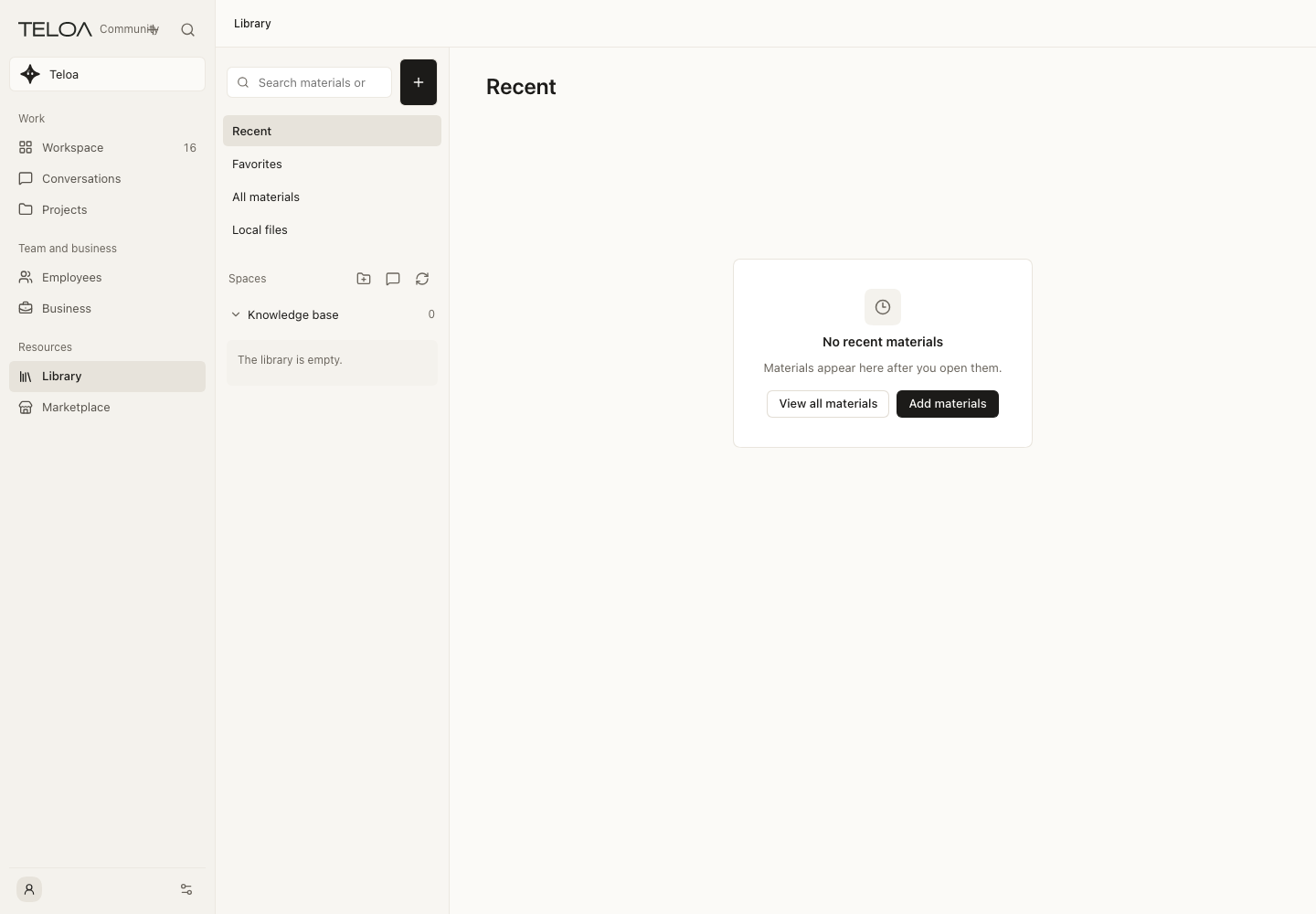
Library
Organize source materials and inspect retrieval and employee resources.
Usage guideModels and voice
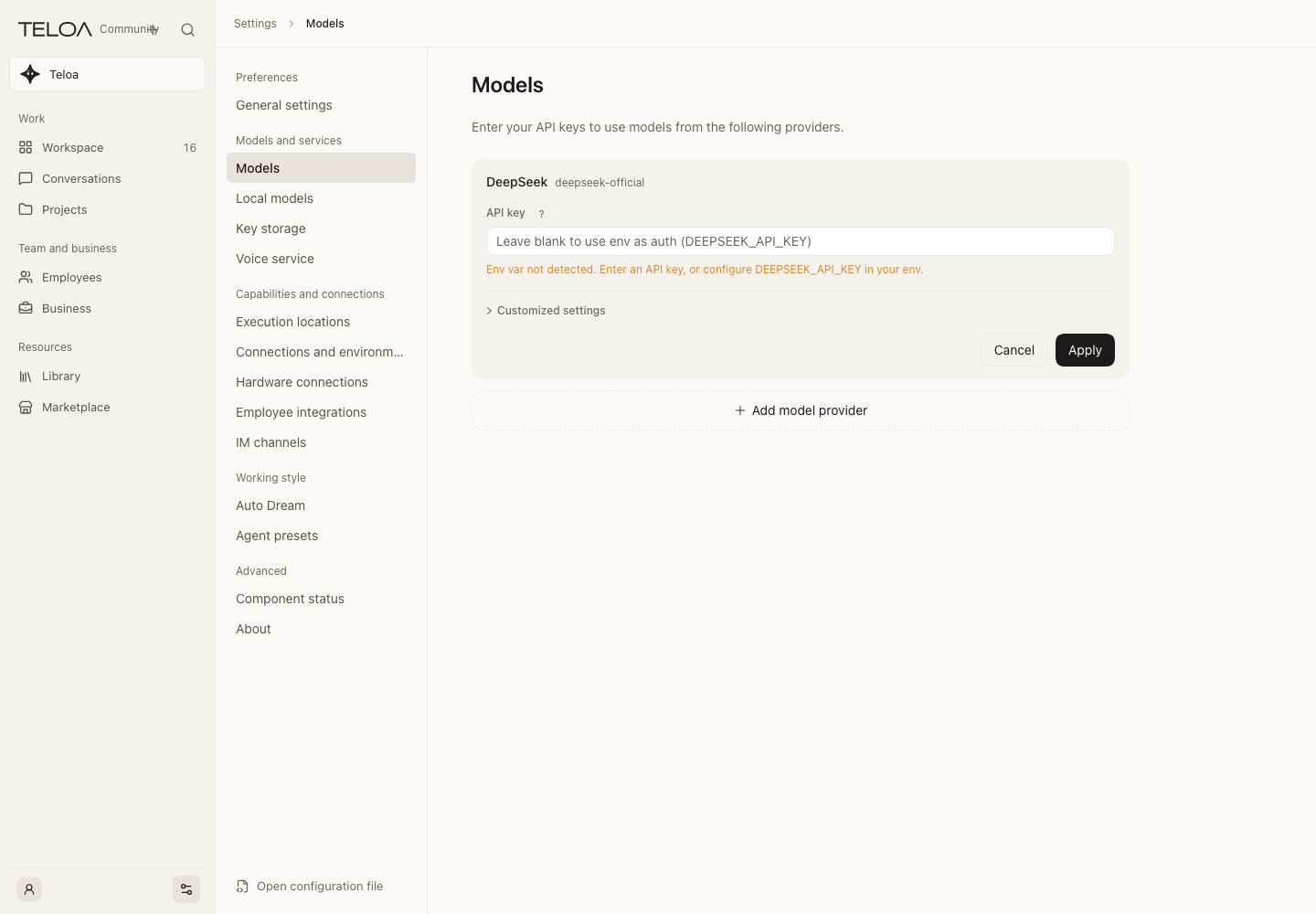
Chat models
Save BYOK per provider and check the default model.
Usage guide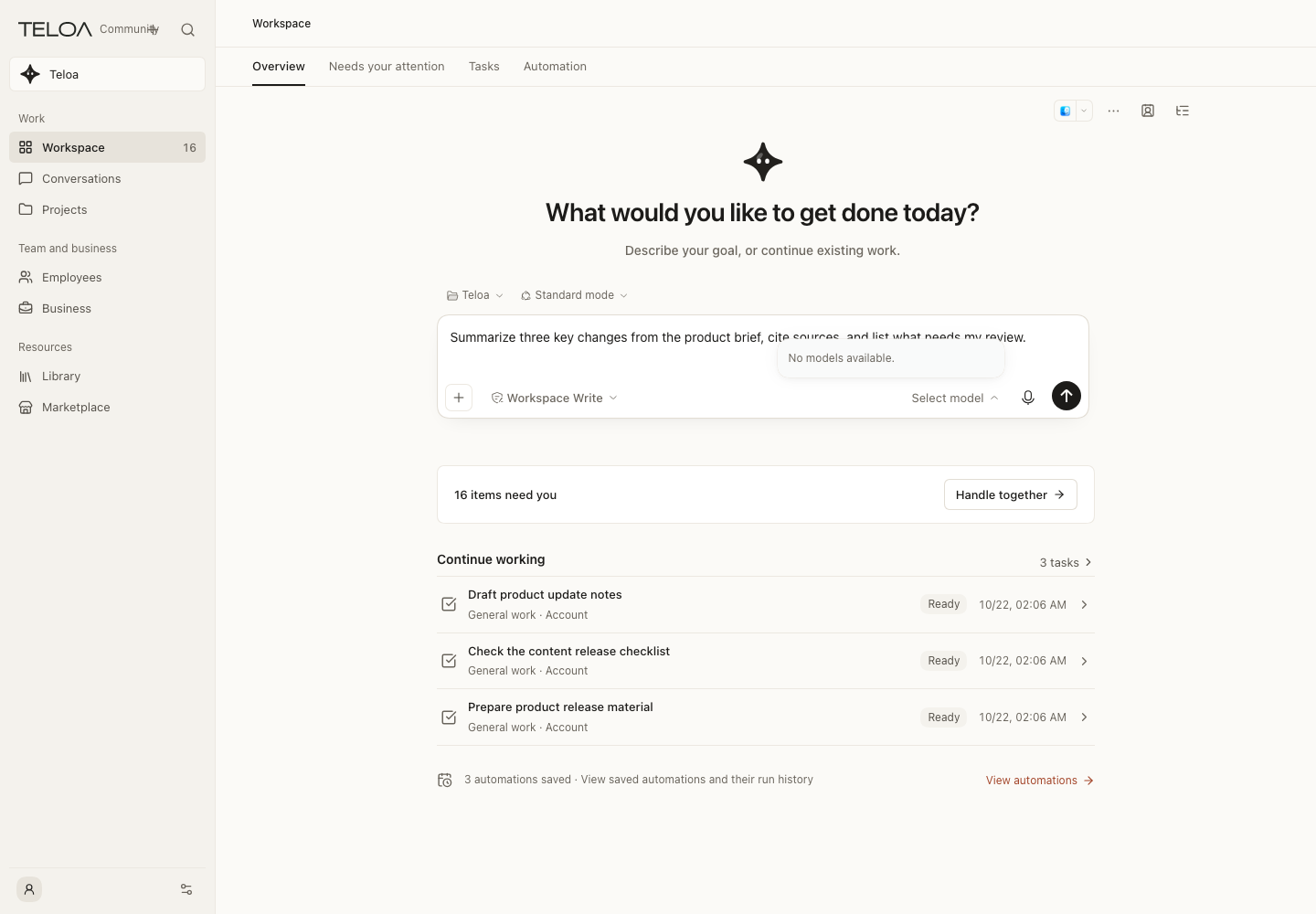
Select a conversation model
An unconfigured selector has no available models; save chat credentials in Settings first.
Usage guide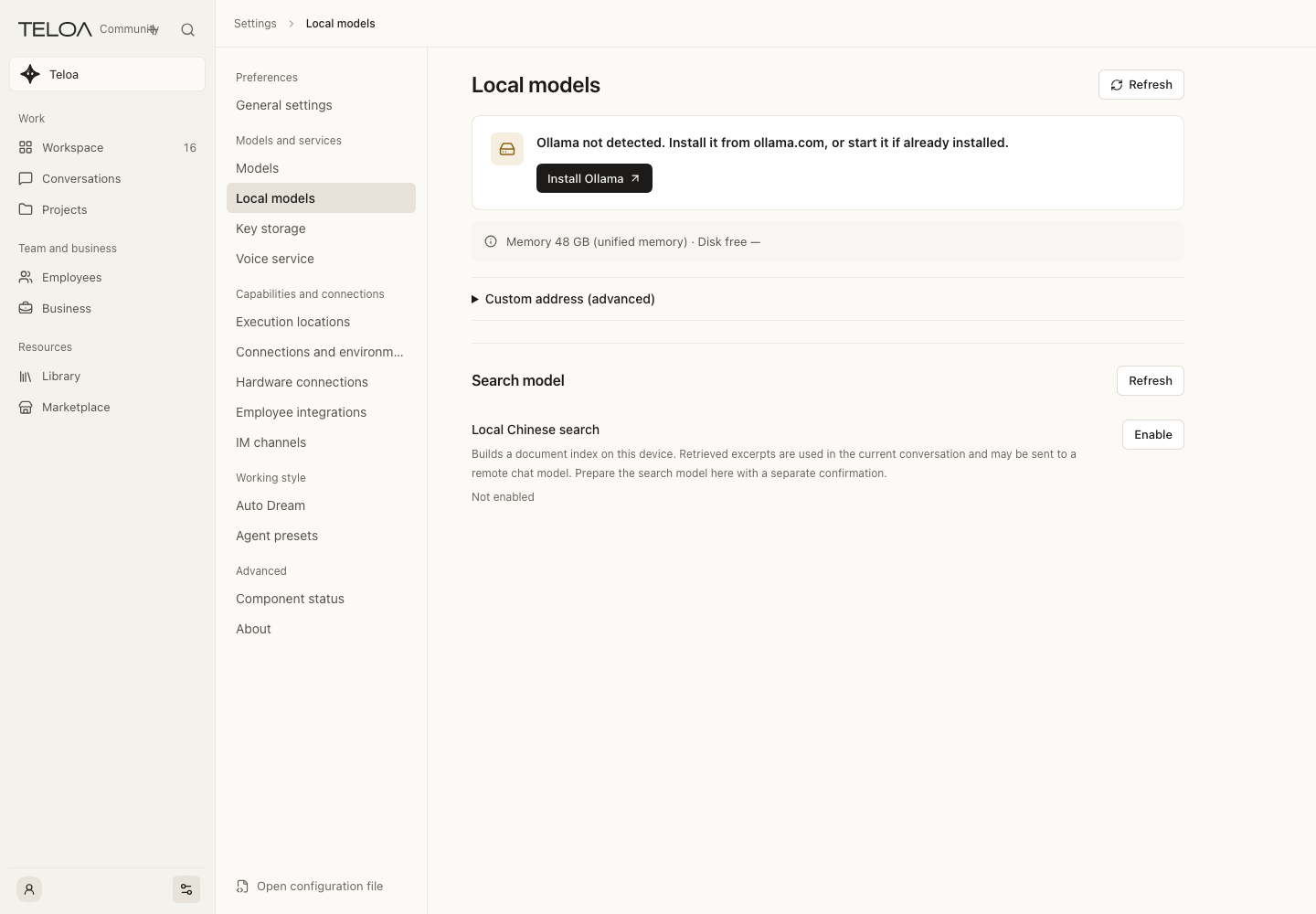
Local models and retrieval
Review requirements before preparing local chat or retrieval models.
Usage guide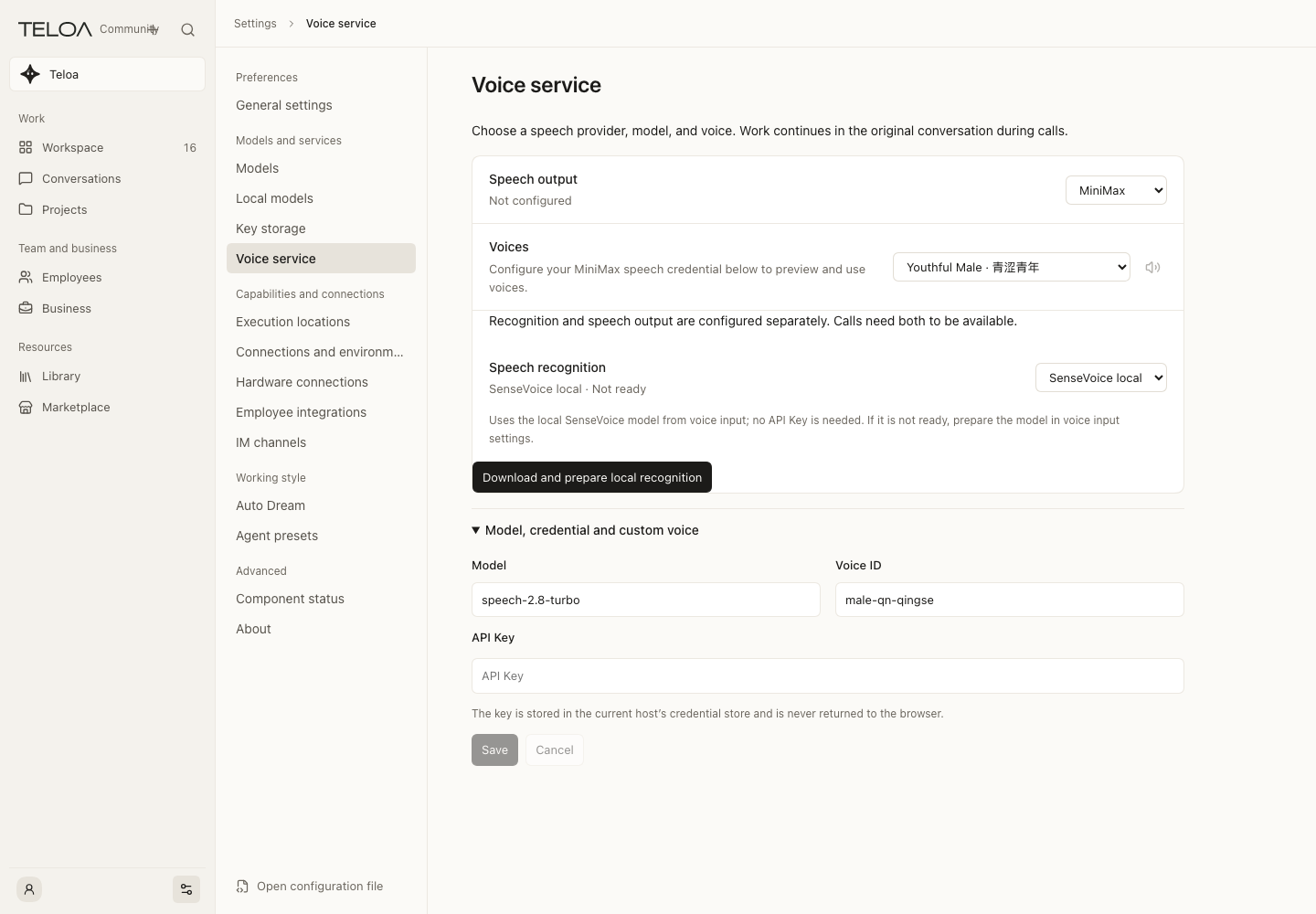
Voice services
Prepare local recognition and speech output separately from chat credentials.
Usage guideOngoing work and memory
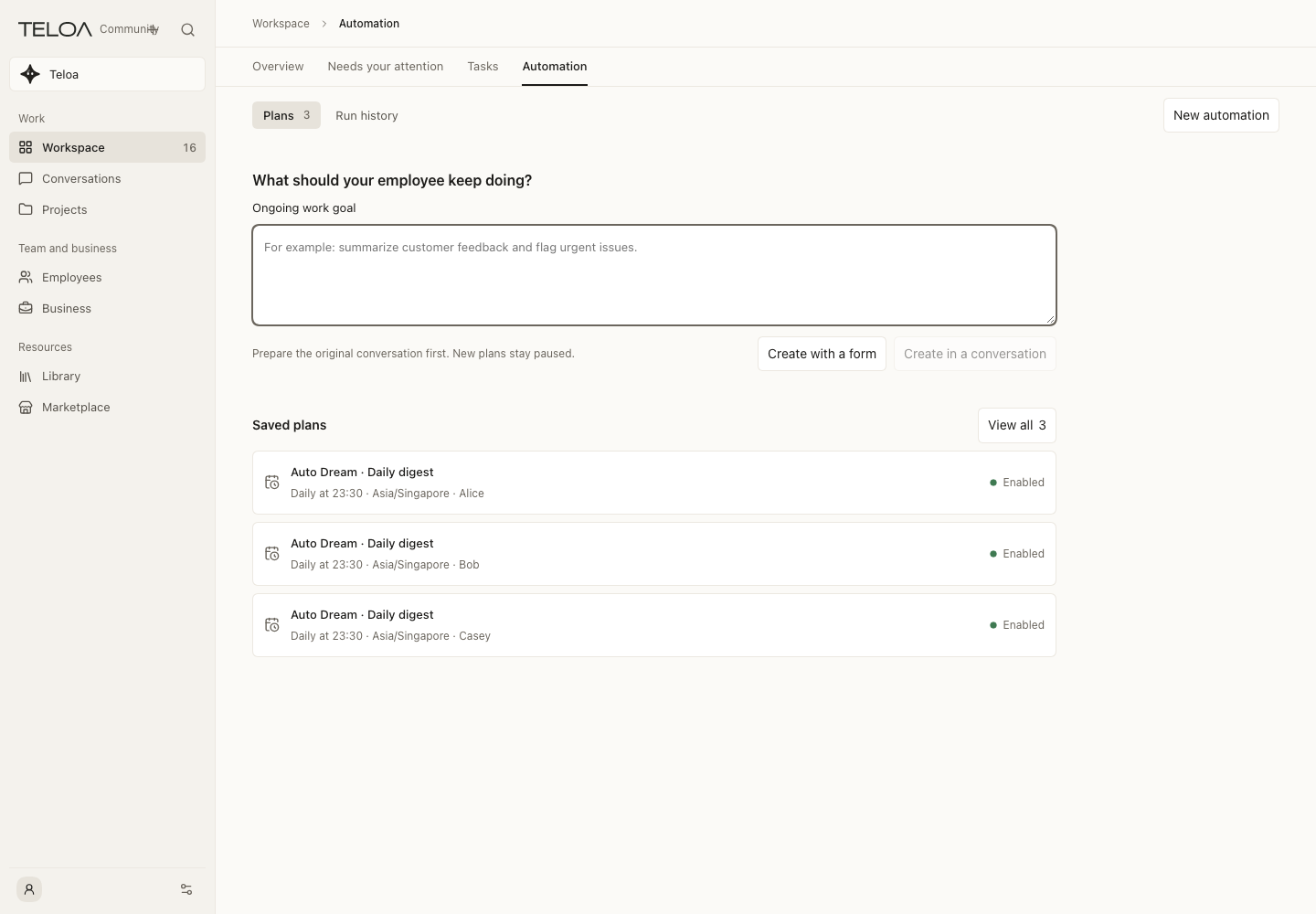
Automation
Prepare recurring work and review its schedule and permissions.
Usage guide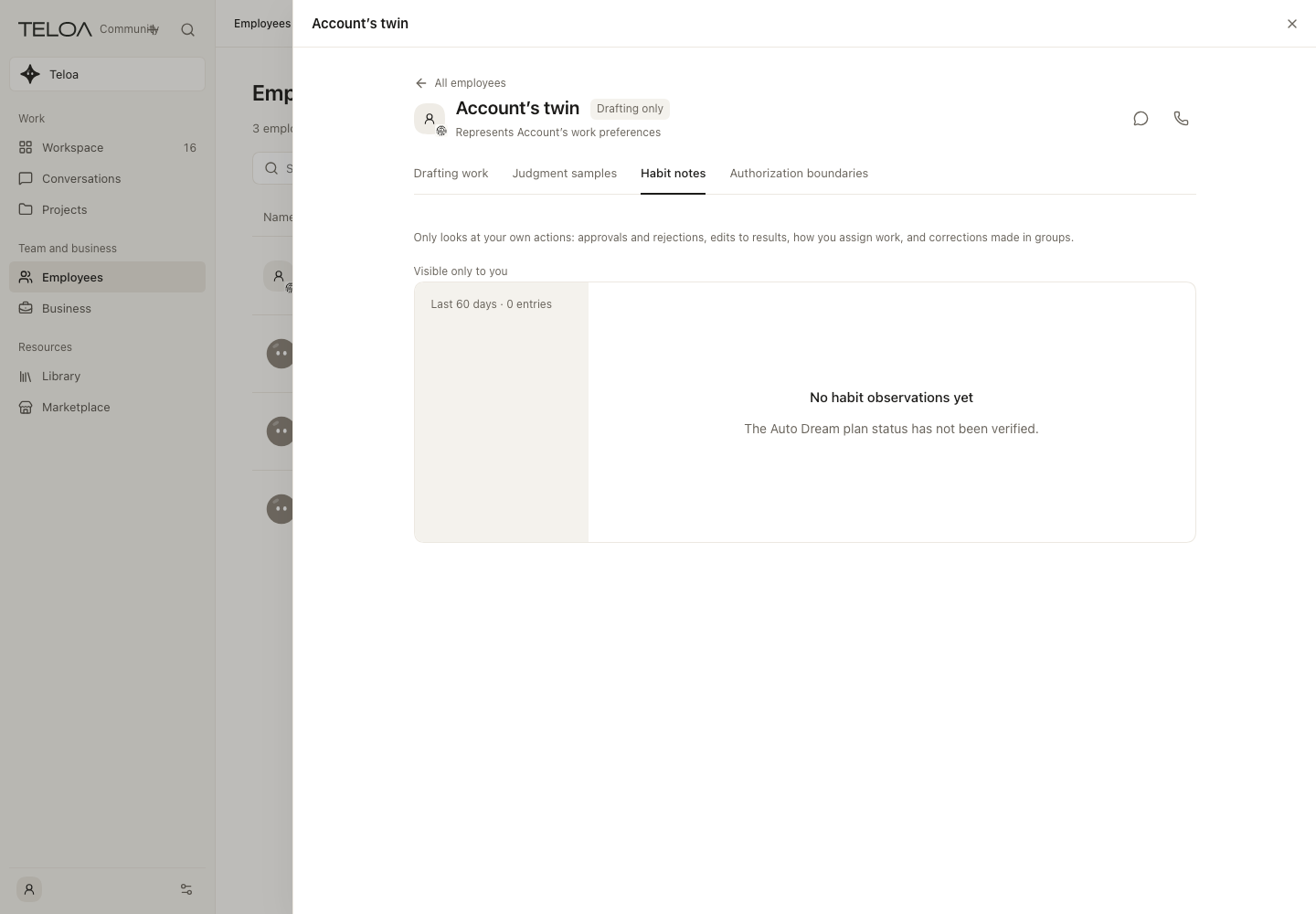
Work summaries and experience
Review work summaries, candidate experience and its sources.
Usage guide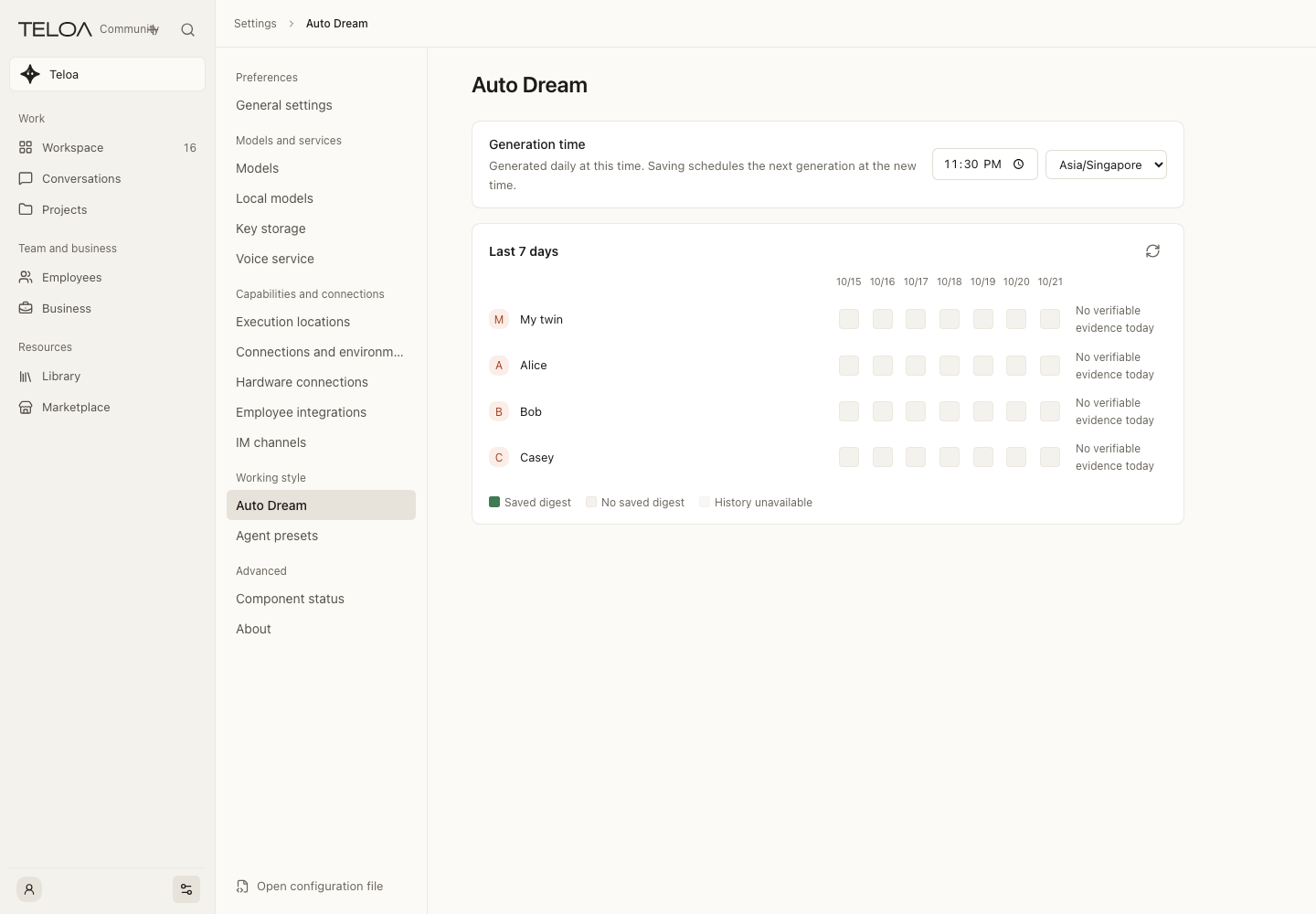
Auto Dream settings
Configure summary schedules and scope; saving does not grant execution permissions.
Usage guideIntegrations and settings
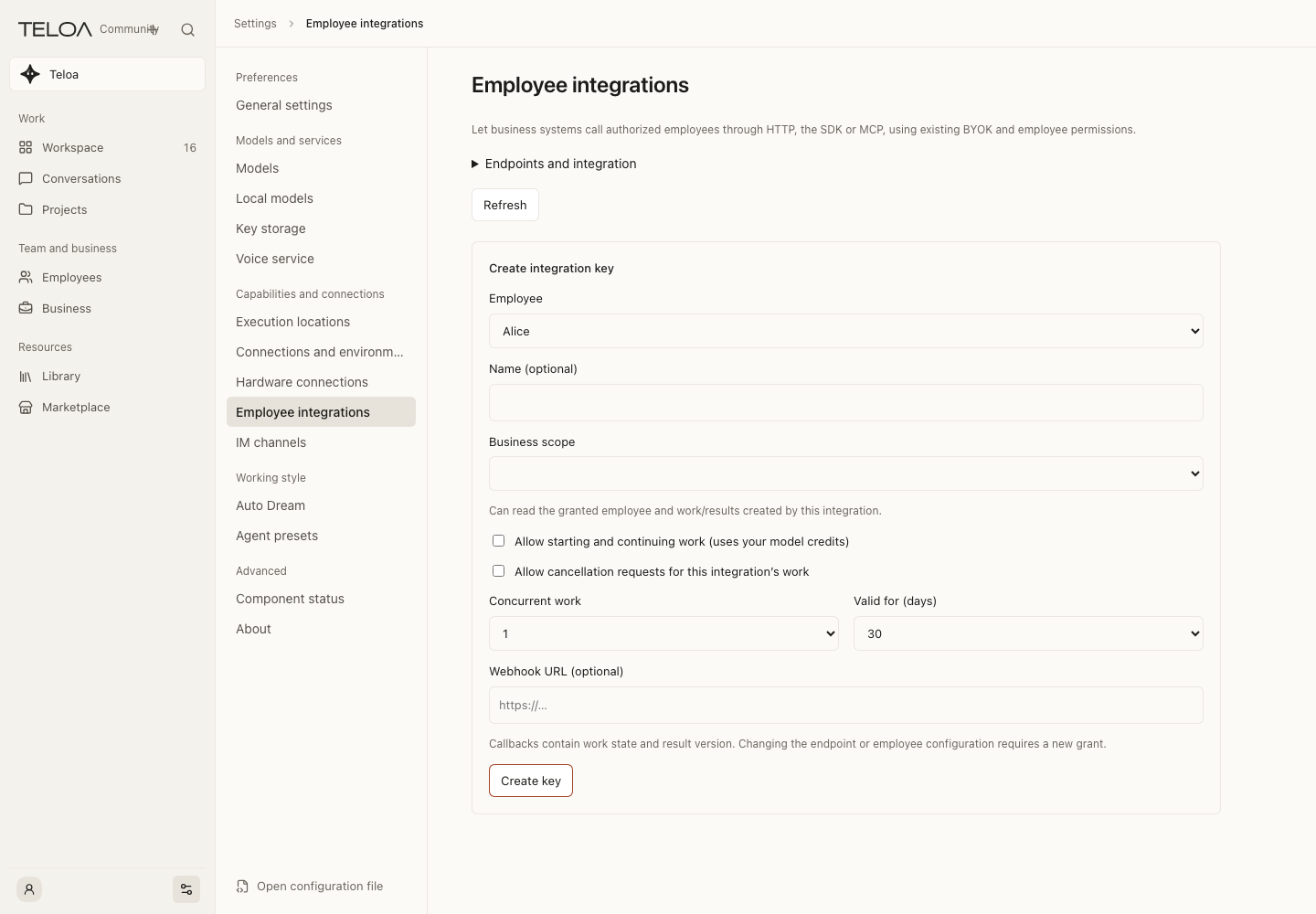
SDK, API and MCP
Scope an integration to employees and businesses; no key has been created in this example.
Usage guide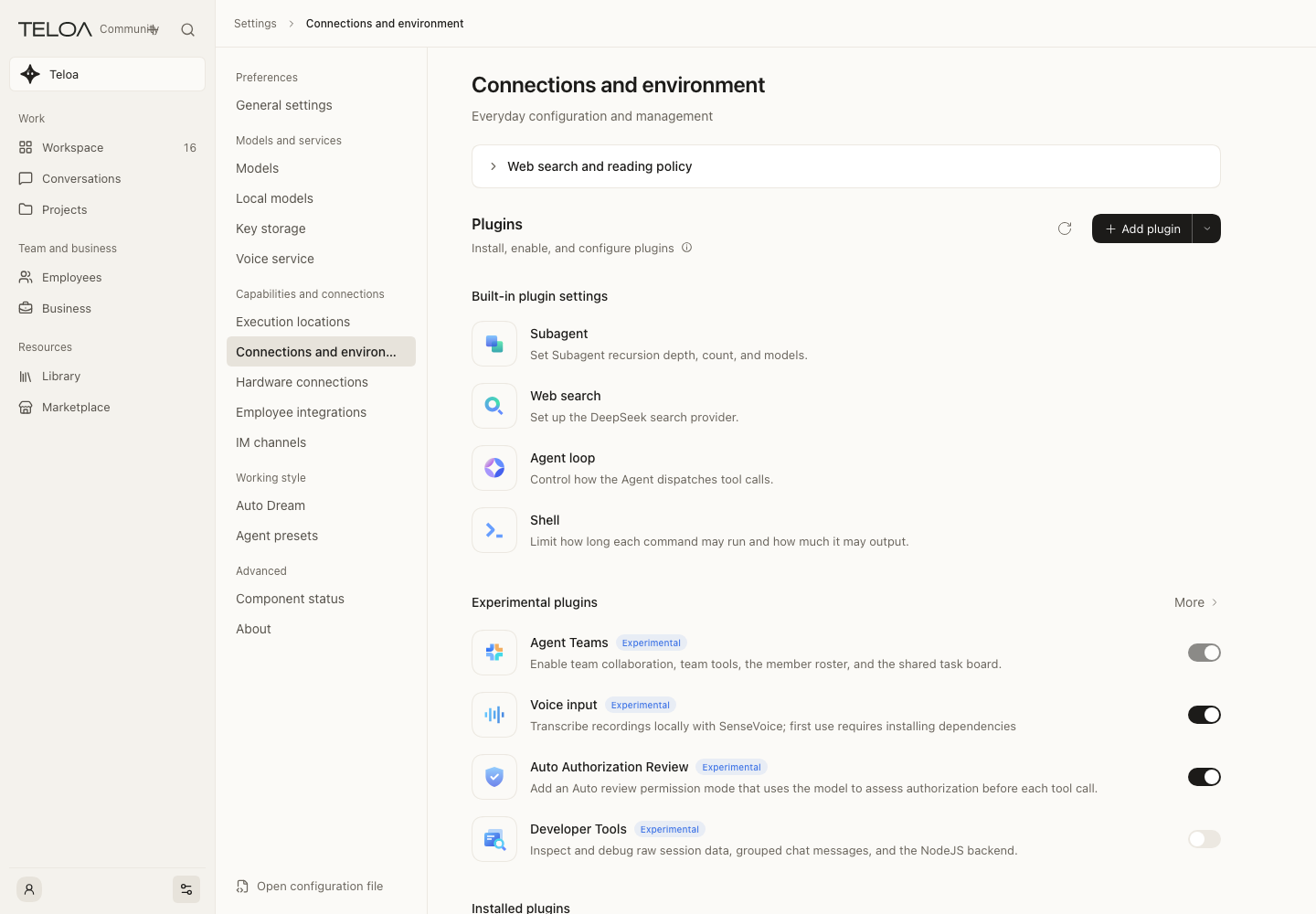
Browser and computer tools
Enable providers and review system permissions; employees are not automatically authorized.
Usage guide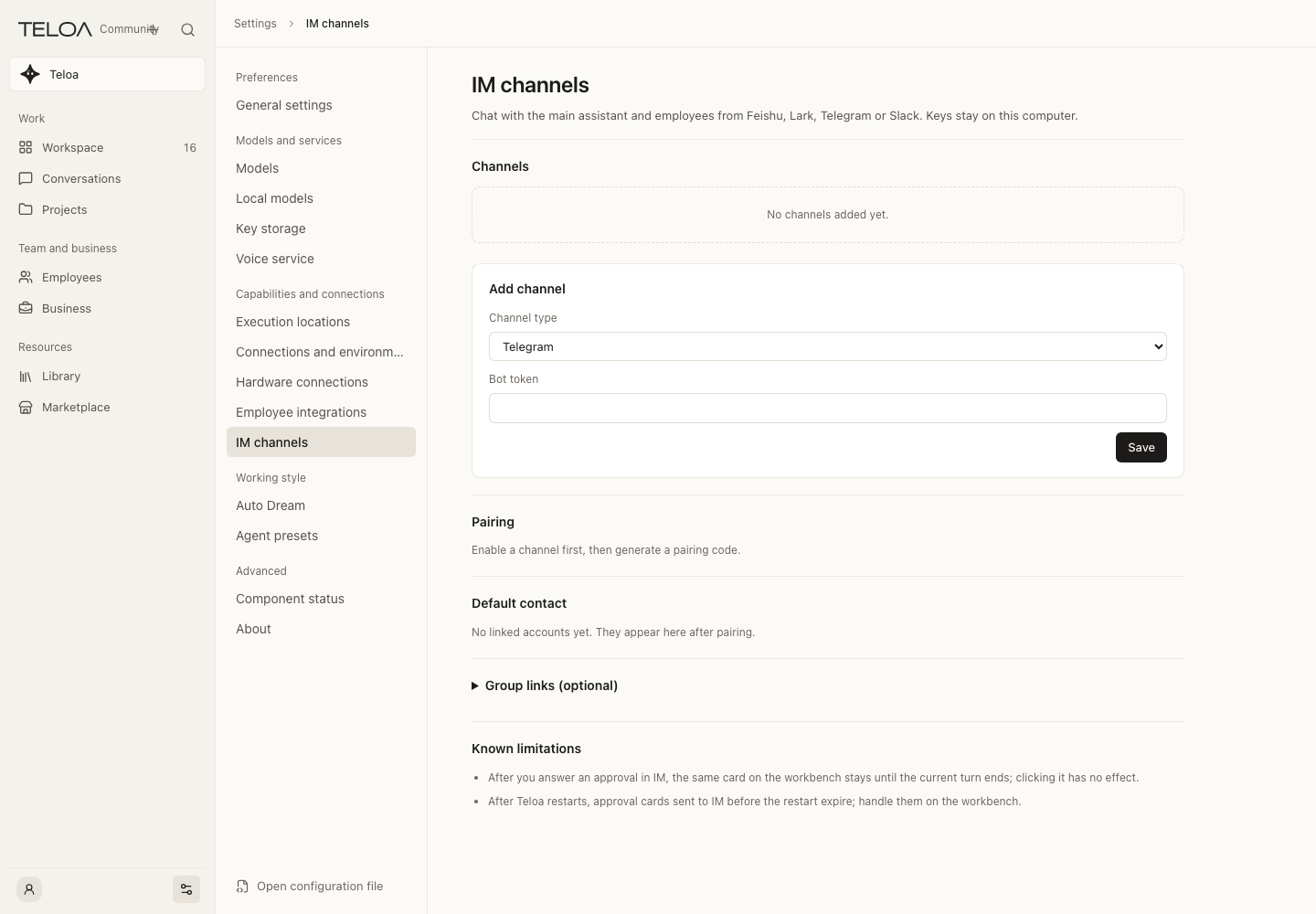
Messaging channels
Review connection methods and status, then configure each channel.
Usage guide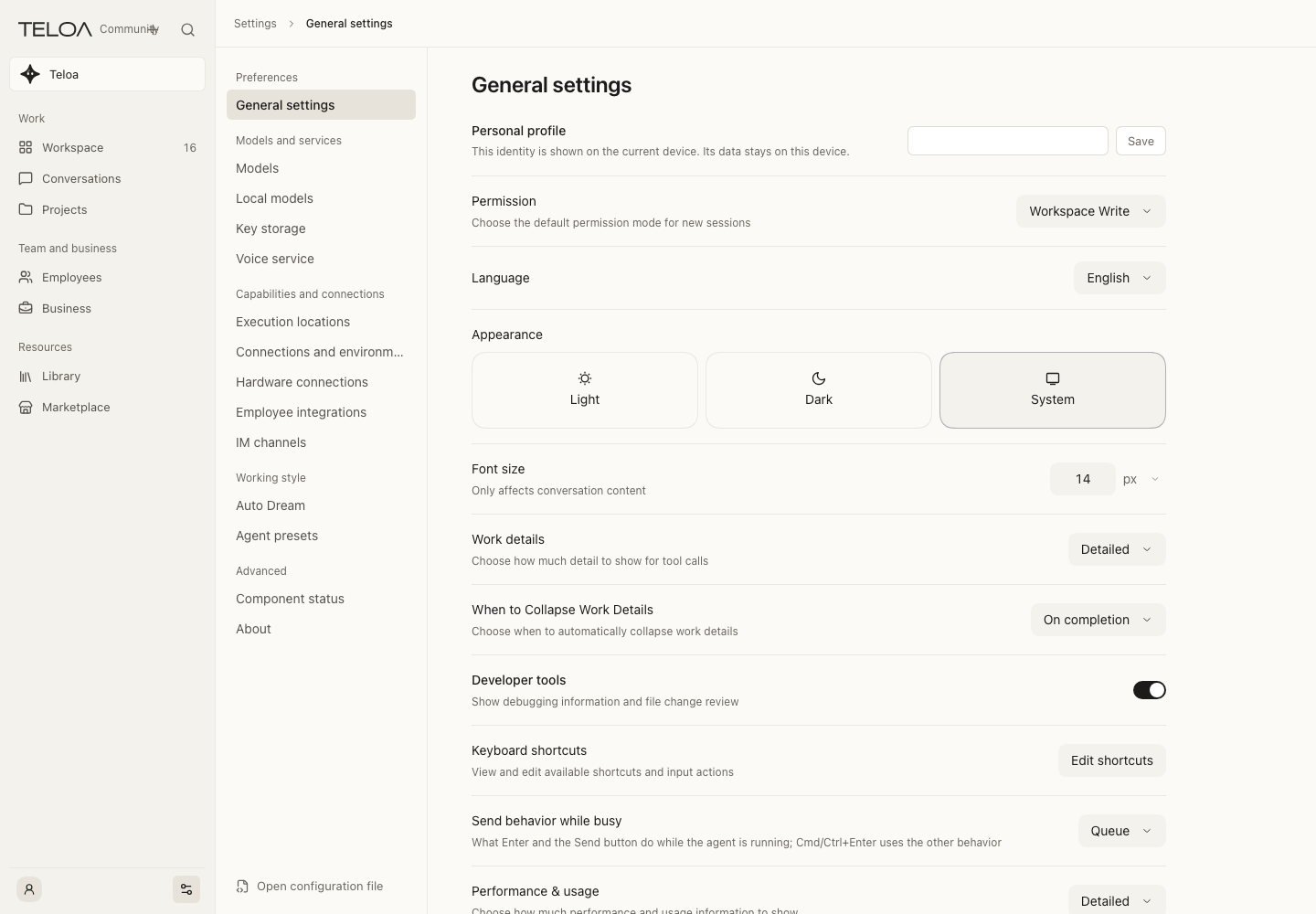
Workspace settings
Manage preferences, models and the runtime environment.
Usage guide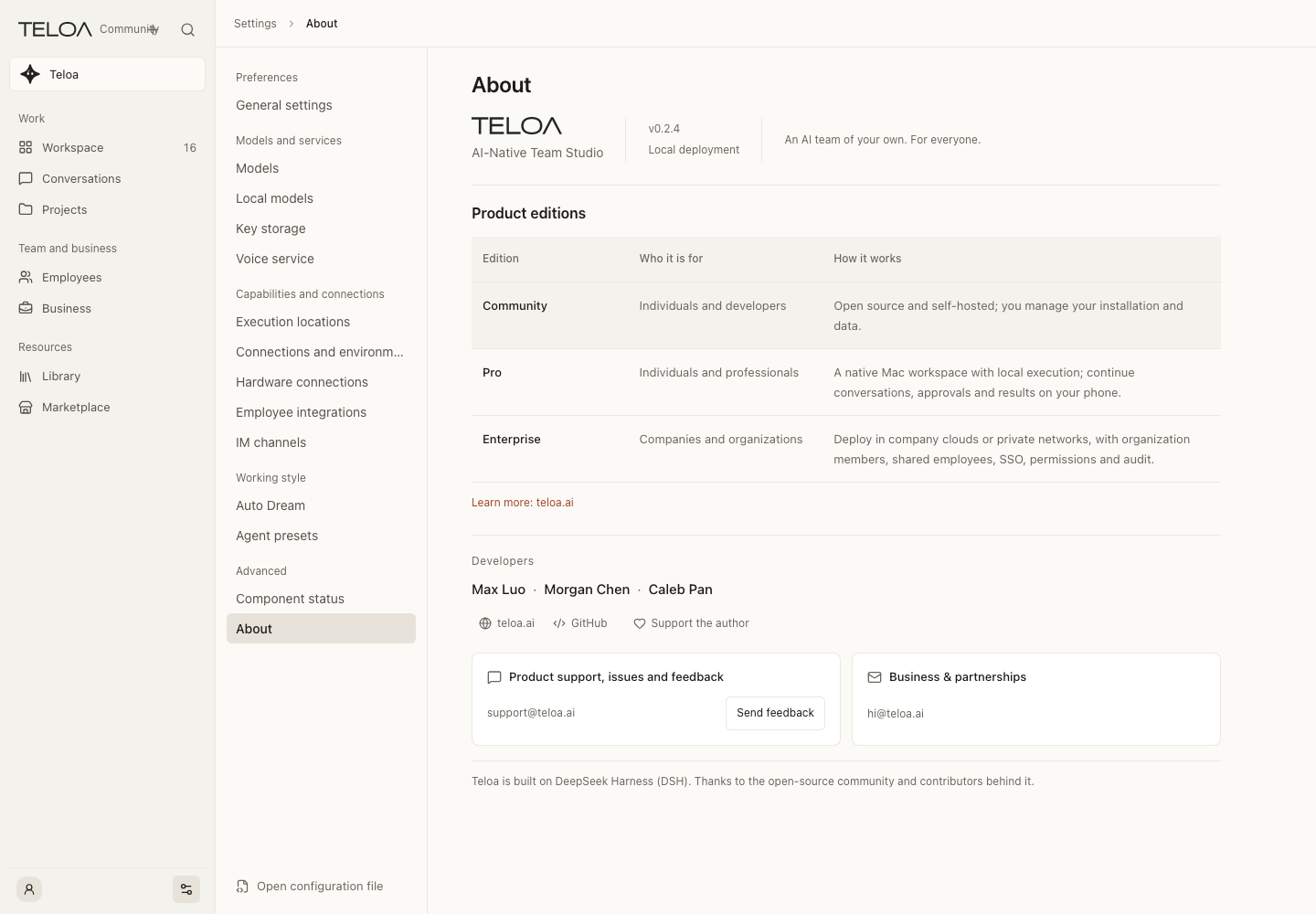
About Teloa
Find the version, product positioning and further information.
Usage guide